

14 min read
25 AI Product Photography Prompts for Ecommerce
Master AI product photography with 25 ready-to-use prompts. Eliminate failures, preserve accuracy, and generate marketplace-ready images fast.
Master AI product photography with 25 ready-to-use prompts. Eliminate failures, preserve accuracy, and generate marketplace-ready images fast.
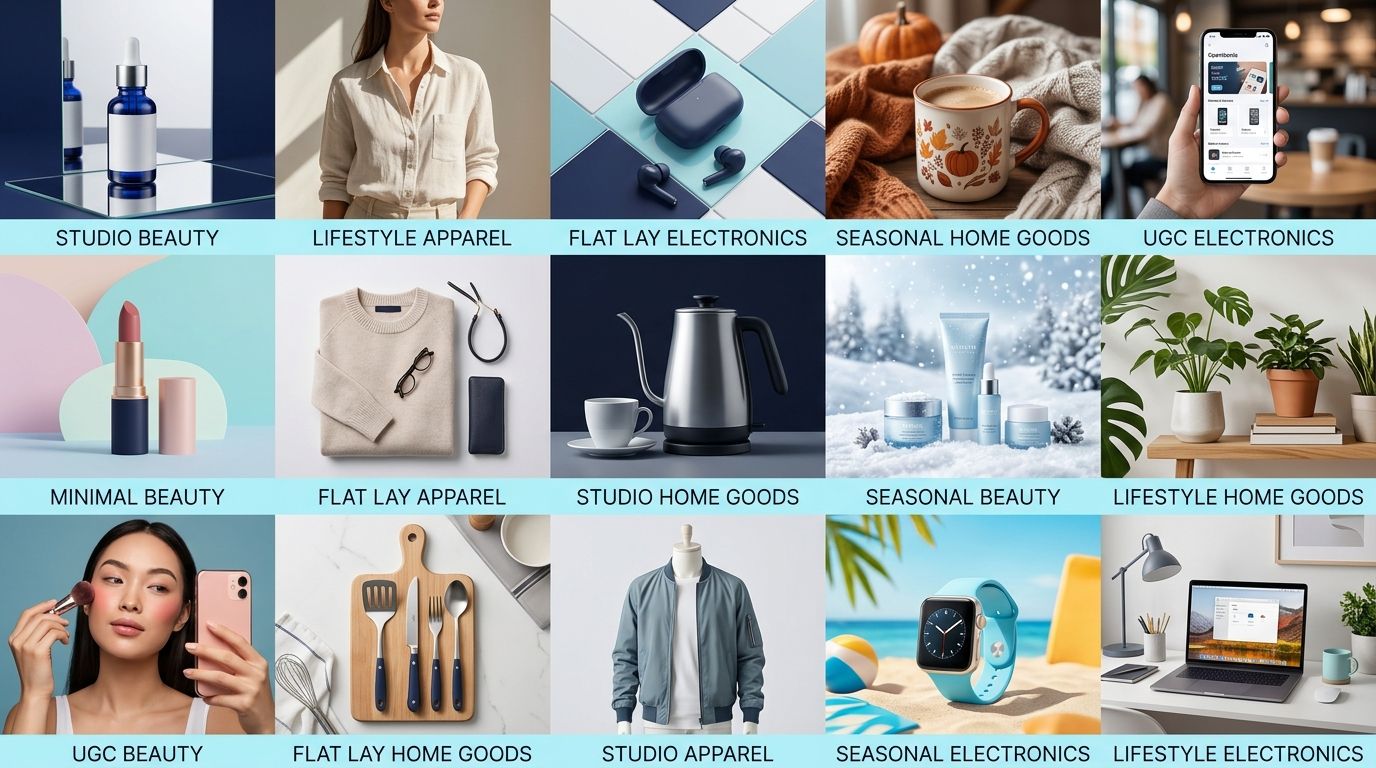
Effective AI product photography requires structured prompts that preserve product accuracy while generating variations for different platforms and use cases. This library of 25 ready-to-use prompts—organized by product type, setting, and platform—eliminates guesswork and reduces the fidelity failures (logo distortion, color shifts, missing details) that plague unstructured prompt workflows.
Most sellers treat AI product photography like a slot machine. Feed it a vague request, hope the output is usable, repeat until something works. The cost is low, sure, but the time spent re-prompting, deleting failures, and manually correcting color shifts eats into the speed advantage that made AI attractive in the first place.
The real unlock isn't cheaper imagery. It's reliable imagery generated on the first or second attempt, at scale, without QA nightmares.
That changes when you swap vague for structured. Photoroom's 2026 fidelity benchmark tested 850 products and found that 71% of AI-generated images contained accuracy failures—most commonly logo distortion (20.1%), missing elements (12.5%), and color shifts (11.4%). But here's what matters: brands using tested prompt frameworks and visual QA workflows cut those failure rates in half. The difference between mediocre outputs and production-ready images isn't a better AI model. It's a better prompt.
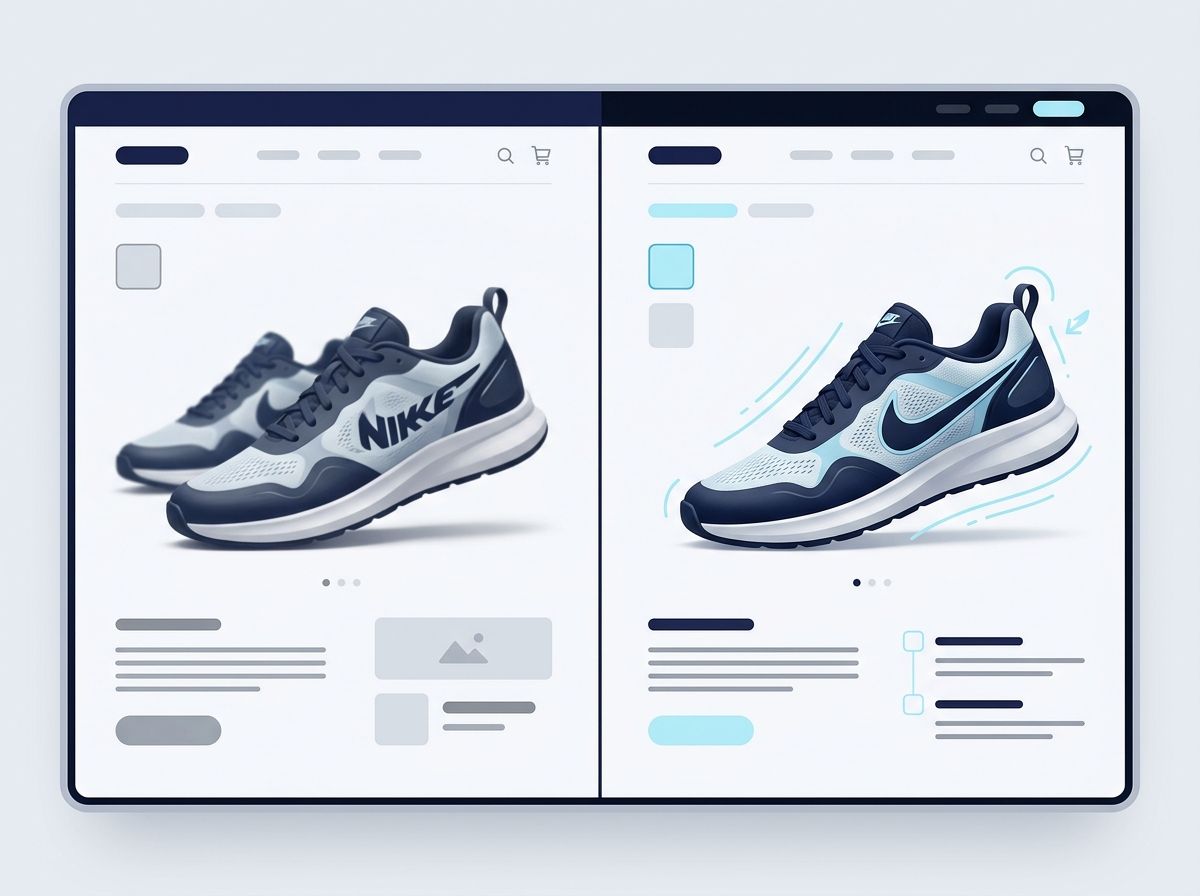
That statistic stings because it's real. Most AI product images do something wrong, even if you don't notice immediately. A logo changes thickness. A color drifts slightly warmer. A seam disappears. Customers notice. Returns spike. Trust erodes.
Why does this happen? Because the AI has no instructions on what accuracy means for your specific product.
A vague prompt like "show a white ceramic mug with a company logo" is actually thousands of interpretations. Is the logo centered or off-center? How thick are the letters? What shade of white? Matte or glossy? Does the mug have a handle? What size is the company relative to the mug?
Each ambiguity is a failure point.
Structured prompts trade vagueness for specificity. One variable at a time. No assumptions.
Picture this: You're launching 50 SKUs across Amazon and Shopify. You batch-generate white-background product shots using a loose prompt. 35 come back marketplace-ready. 15 have color shifts or logo distortion. You manually fix 10 of those 15. Five you discard and regenerate. Two take so long to fix that you miss your launch window and go live with your old photos.
That's not a tool failure. That's a prompt failure masquerading as a production problem.
Successful brands generate 5–10 variations per product and A/B test outputs before scaling. They don't assume the first output is good. They compare every AI image against the original product side-by-side, using a simple checklist: colors match, proportions intact, logo readable, no missing elements, shadows realistic.
This infrastructure—this discipline—is what separates the 29% accuracy baseline from the 38%+ accuracy that brands actually ship with.
Every effective prompt follows the same structure. Master this, and you can adapt it to any product, platform, or scenario:
1. Subject: Exact product details. Not "a backpack" but "a navy blue canvas backpack with leather straps, brass buckles on each strap, small embroidered logo on upper right pocket, interior zippered compartment visible when open."
2. Surface: Material and finish. "Matte canvas with slight texture, leather appears worn-in but not damaged, brass shows patina."
3. Lighting: Direction and quality. "Soft directional light from upper left, cool-tinted shadows, no harsh reflection, light rakes across canvas to show weave."
4. Composition: Angle and framing. "Three-quarter view, backpack sitting on surface, straps hanging naturally, scale reference (ruler or hand) optional but preferred."
5. Mood: Aesthetic tone. "Clean, professional studio look" vs. "warm, lived-in lifestyle feel" vs. "bright, minimalist flat lay."
6. Constraints: What not to do. "Logo must be readable and unchanged. Navy blue is #2C3E50, no color shift. All straps and buckles visible. No distortion of proportions."
That last element—constraints—is the friction between vague prompts and production-ready ones. It's where you explicitly tell the AI what failures to avoid.
Upload one image and get studio-quality product photos, on-model shots, and ad creatives — no camera, no studio, no wait.
Try Seenable AI freeNo credit card required · 130 free credits included
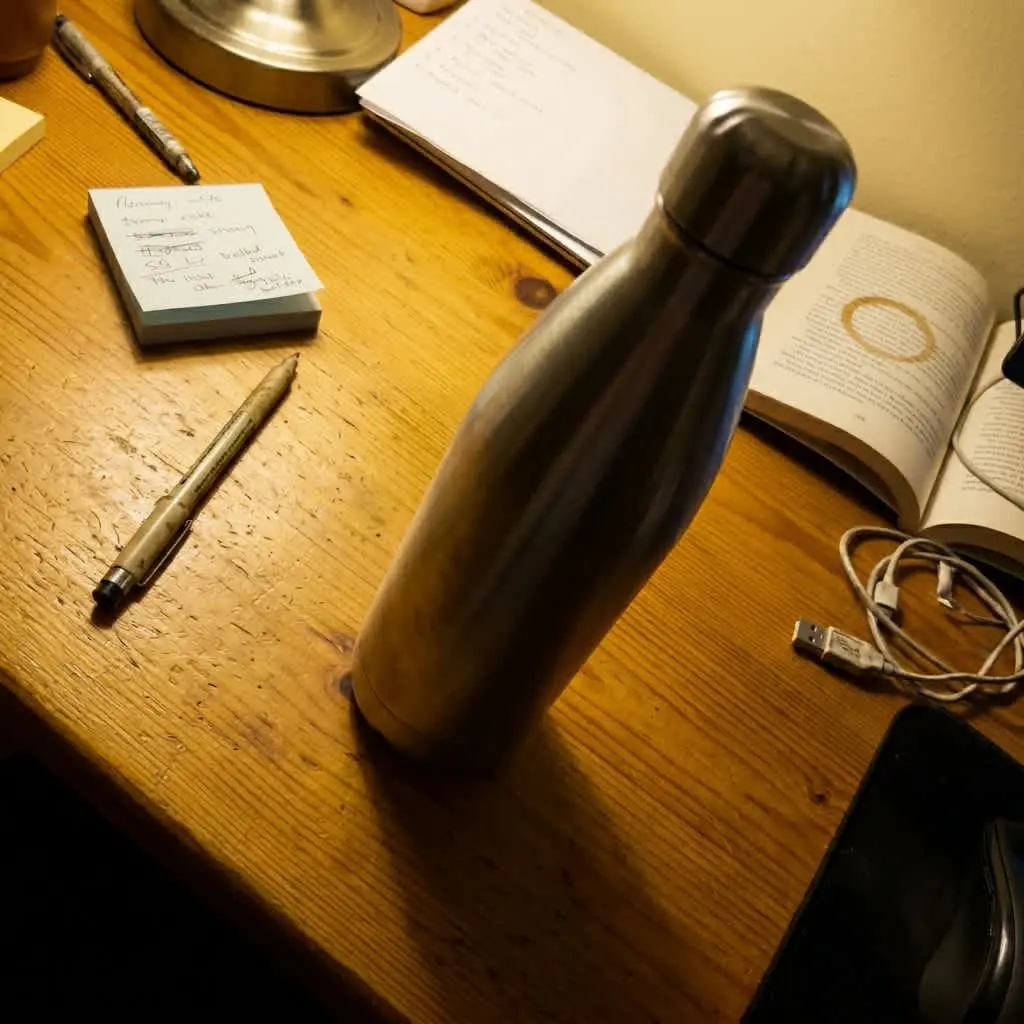 Before
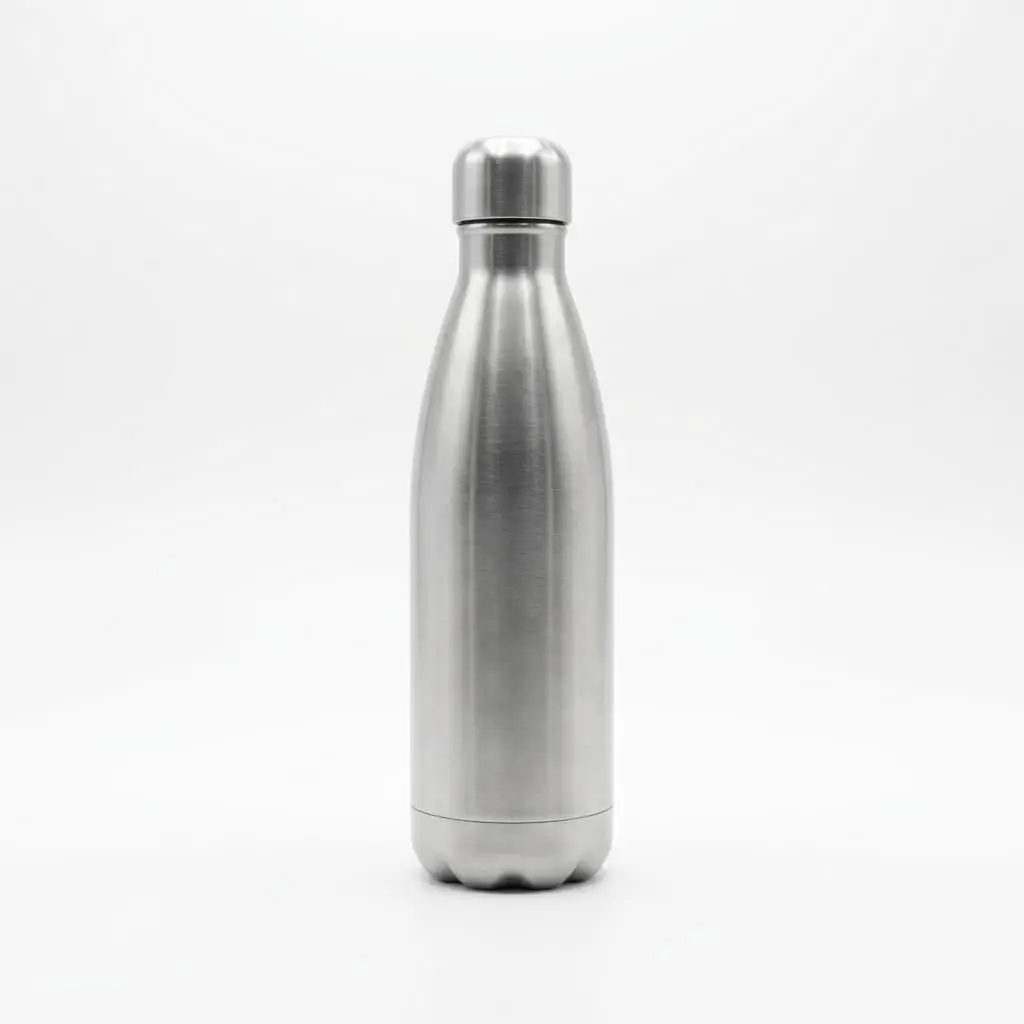 After
After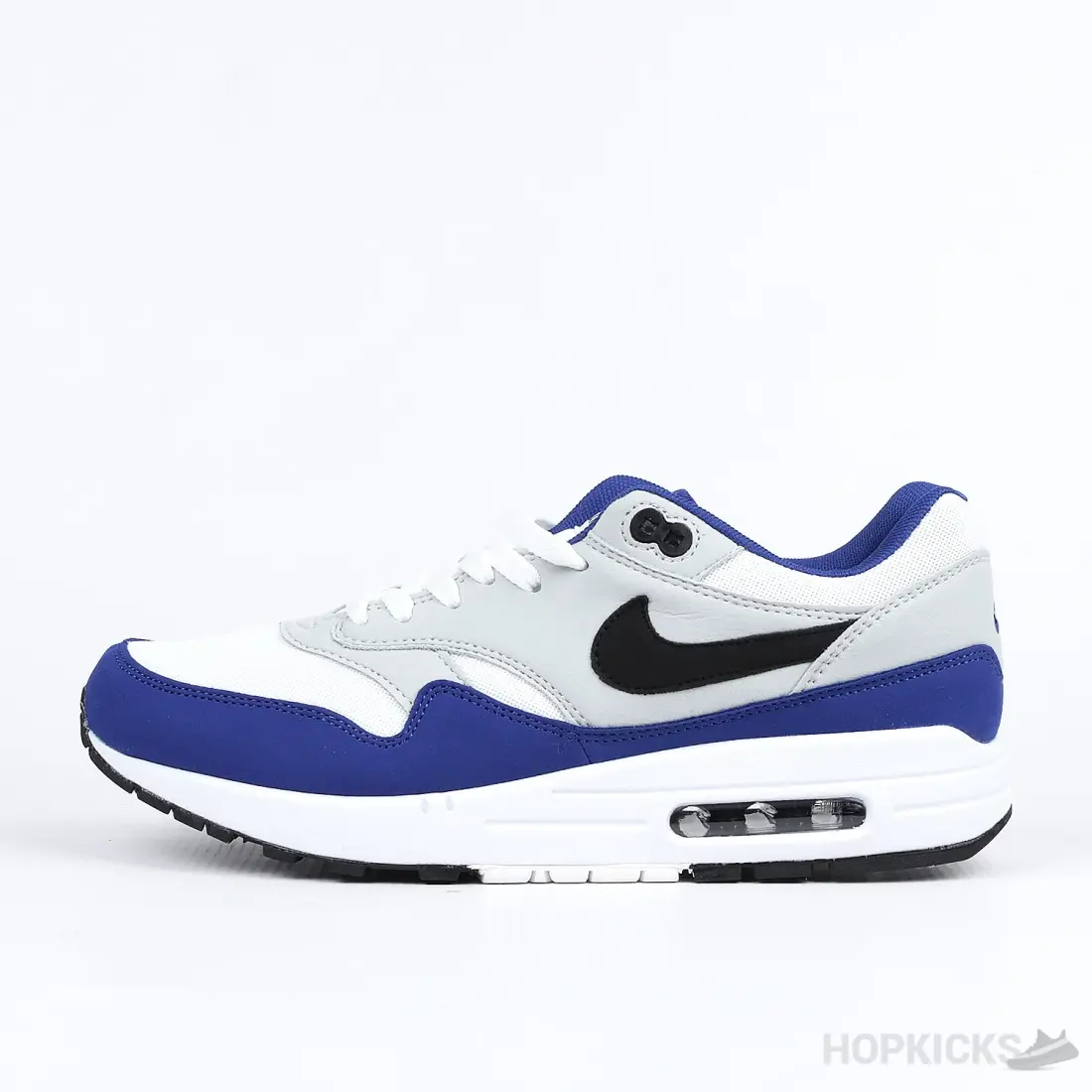
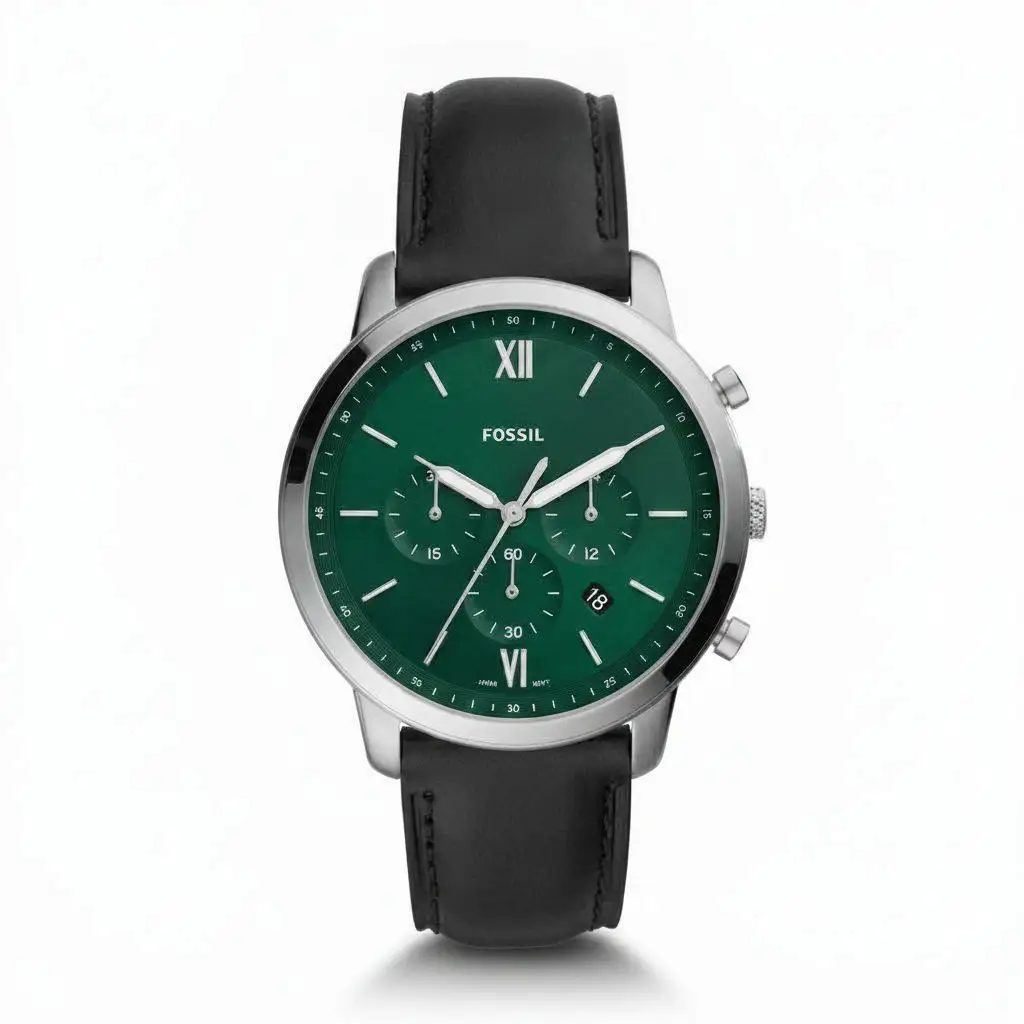
Amazon's main image requirements are ironically one of AI's highest-fidelity use cases. White background. Product centered. Clean, no shadows, no lifestyle context. This is a constraint-rich environment, which means the AI knows exactly what to do.
Prompt template:
"Product: [insert exact product name and color]. Generate a studio-quality product photograph with white background (RGB 255,255,255). Product centered in frame, three-quarter view showing front and side. Lighting: soft diffuse light, no harsh shadows, slight cool-tinted shadow on base only. Product colors and proportions must be accurate to reference. Logo and text must be perfectly readable. No lifestyle elements, no props, no background texture."
Iterate on the angle (front-facing vs. three-quarter) and zoom level (full product vs. closer crop), but keep the background and lighting locked. Test 3–5 variations and pick the sharpest.
Shopify sellers who use 5–9 images per SKU convert 1.6–2.4× better than single-hero listings. But here's the mistake most make: asking the AI to generate all angles in one image, which tanks proportion accuracy.
Generate each angle separately. Same product, different camera position.
Prompt template for front-facing shot:
"Product: [name]. Generate front-facing product photograph. Direct lighting from above, product on neutral gray surface, slight shadow beneath product to show dimension. Camera angle: directly front-facing, eye level with product center. Product colors and proportions exact. Include a ruler or hand holding product at edge of frame for scale reference. No background distraction."
Prompt template for detail/closeup:
"Product: [name]. Extreme close-up of [specific detail: zipper, stitching, texture, material]. Raking light from side to show texture and quality. Macro depth of field effect. No background. Product detail must be sharp and accurate to reference image."
Batch these separately, compare each output to your original product photos, and assemble into a 5–9 image gallery.
Consistency across angles beats perfection on any single shot. Test and refine one angle at a time.
For hero banners and category pages, lock the lighting direction and material finish across all products so your catalog feels cohesive.
Prompt template:
"Product: [name]. Professional product studio photograph. Lighting: soft directional light from upper left at 45-degree angle, cool-tinted shadows (no warm yellow undertones), slight specular highlight on [glossy/matte surface detail]. Material: [specific finish description]. Mood: premium, confident, gallery-ready. Shadows realistic and subtle. Product colors exact to reference. No background—clean white or neutral gray. All product details visible and undistorted."
This prompt is durable. Use it for every SKU you want to appear in your studio gallery. The consistency builds brand trust.
Shopify's 2025 Commerce Trends report found that lifestyle photography converts 32% better than white-background-only images. On Instagram Shopping, lifestyle images get 2.4× more saves. Shoppers want to see the product doing its job, in a context they recognize.
Prompt template:
"Product: [name]. Generate lifestyle photograph of product in real-world use. Setting: [specific context, e.g., 'on a kitchen counter, morning light through window, coffee cup and notebook nearby']. Styling: natural, unstaged, warm morning light. Product appearance: colors and proportions exact, logo visible and readable. Photography style: shot by user, not professional photographer—authentic, slightly warm color temperature. No background distractions. Focus on product, with supporting props in soft focus."
The "shot by user, not professional" language trains the AI to avoid over-polished, hyper-realistic rendering that can feel sterile. Real photos are warm, slightly imperfect, and human-scaled.
User-generated content outperforms branded content because it feels honest. It has slight imperfections. It's framed by someone who owns the product, not someone paid to make it look perfect.
Prompt template:
"Product: [name]. Generate authentic user-generated content style photograph. Framing: slightly off-center, natural hand holding or using product visible, candid moment. Lighting: natural daylight, warm undertones, slight color cast is okay. Setting: [casual context, e.g., 'home desk,' 'bedroom dresser,' 'bathroom shelf']. Product colors and proportions exact. Minor imperfections welcome (shadows, wrinkles, clutter in background okay if not distracting). Photography style: shot by customer using phone camera, not professional studio."
The permission for "minor imperfections" is crucial. It prevents the AI from trying to polish everything into sterile perfection.
TikTok, Instagram, and Pinterest require different dimensions and visual stopping power. An Instagram feed post (1080×1350) reads entirely different than a TikTok vertical video (1080×1920). Build platform-specific prompts.
Prompt template for Instagram feed post:
"Product: [name]. Generate high-contrast lifestyle shot optimized for Instagram feed. Composition: product as clear focal point, supporting elements blurred or muted. Lighting: bright natural light, warm color temperature, high saturation. Visual style: modern, energetic, platform-ready. Dimensions: 1080×1350 pixels. Product appearance: colors vibrant and accurate, proportions exact, logo visible. Background: minimalist, one dominant color or soft blur. Mood: modern, aspirational, stop-the-scroll compelling."
Test this on 3–5 SKUs. Track which variations get saved and shared most. Double down on the aesthetic that converts.
Upload one image and get studio-quality product photos, on-model shots, and ad creatives — no camera, no studio, no wait.
Try Seenable AI freeNo credit card required · 130 free credits included
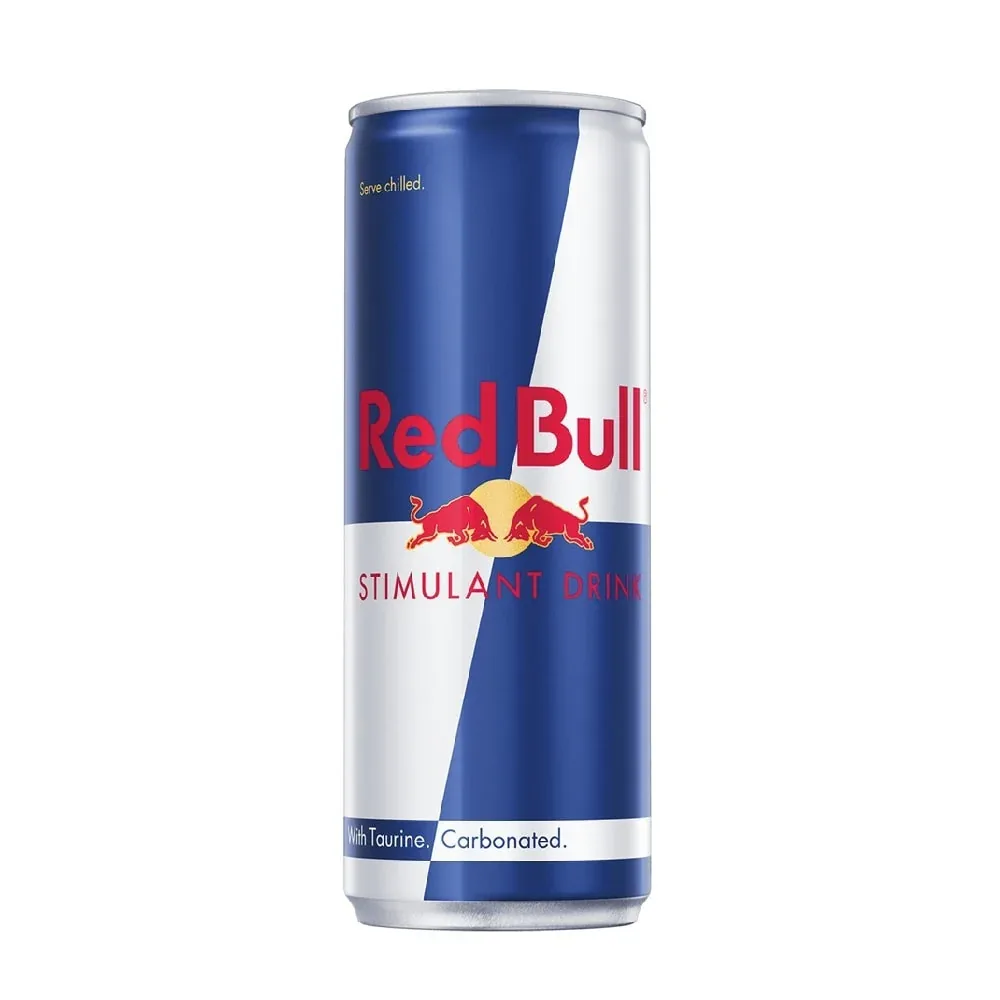 Before
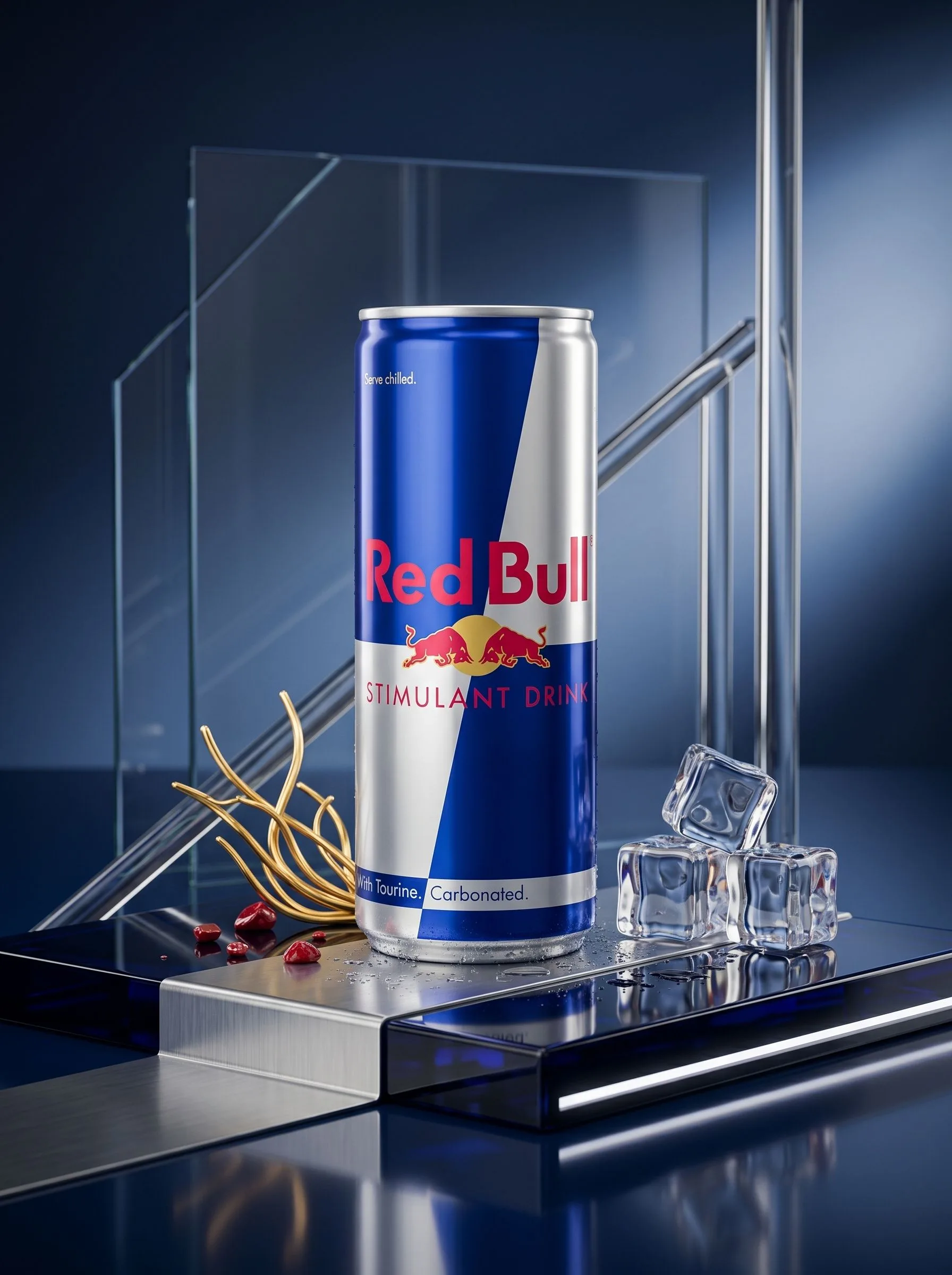 After
AfterClose-up detail shots reduce returns by showcasing seams, stitching, finishes, and materials that shoppers can't see in hero shots. This is especially critical for apparel, leather goods, and anything where perceived quality drives purchase intent.
Prompt template:
"Product: [name]. Extreme close-up detail shot of [specific area: stitching, leather grain, fabric weave, metal finish]. Lighting: raking light from side at 30-degree angle to emphasize texture and depth. Depth of field: shallow, f/2.8 equivalent, detail sharp and foreground/background softly blurred. Material: [exact finish description]. Photography style: macro close-up, museum quality. Product detail exact to reference. No background distraction."
Flat lays work for category pages, email headers, and social media carousel posts. They're styled, intentional, and show the product in context with complementary items.
Prompt template:
"Product: [name]. Flat lay overhead shot on [surface type: marble, wood, fabric]. Surrounding elements: [list 3–4 complementary props, e.g., 'scissors, thread spool, measuring tape']. Arrangement: product centered, props arranged naturally around it, uncluttered composition. Lighting: bright natural light from above, warm color temperature, soft shadows. Styling: intentional but organic, not overly staged. Product appearance: colors and proportions exact, logo visible. Photography style: styled for Instagram or email header, magazine-quality."
Launch seasonal campaigns without reshoot costs. Use prompt variants that change context while preserving product accuracy.
Prompt template:
"Product: [name, describe exact appearance]. Same product as [reference image]. Setting: [winter/summer/spring/fall-specific context, e.g., 'winter scene, snow-covered landscape, cozy warm lighting']. Lighting: [season-appropriate warmth and direction]. Styling: [seasonal props and aesthetic, e.g., 'holiday decorations, warm color palette, festive mood']. Product appearance: colors and proportions unchanged, logo intact, no distortion. Photography style: lifestyle, [seasonal mood]."
This approach scales seasonal content without hiring photographers or renting studios.
Start with one product. Not your entire catalog. Pick a middle-of-the-road SKU—not your simplest and not your most complex.
Copy the relevant prompt template above. Replace every [bracket placeholder] with your specific product details. Include reference images in your prompt if the tool supports it. Material descriptions matter here: don't say "leather" if you mean "full-grain vegetable-tanned leather with visible patina." Don't say "blue" if you mean "navy #2C3E50 with no color shift."
Test the prompt on 2–3 SKUs before scaling to your entire catalog. This identifies failure modes early.
Generate 5–10 variations per prompt. Test them on your actual product pages or in ads before publishing. Track add-to-cart rate, time-on-page, bounce rate, and return rate for each variant.
Most importantly, flag failures. If the AI distorts your logo, changes product color, or misses details, document exactly what went wrong. Refine the prompt to add explicit constraints. "Logo text must be perfectly readable" is vague. "Logo text is white serif font, must be sharp and unchanged from reference image" is specific.
Implement a simple three-step QA process before any AI image reaches customers:
Compare side-by-side against your original product photo. Use a checklist: colors match, proportions intact, logo readable, no missing elements, shadows realistic.
Check platform requirements. Does the Amazon image meet white-background specs? Is the Shopify image at least 1,000px on the longest edge? Does the Instagram ad fit the 1080×1350 dimension?
Note what worked and what didn't. Build a reference library of "this prompt and variation worked great for this product category" and "this prompt failed on reflective surfaces."
This discipline catches failures before they reach customers and trains your eye for which prompts are reliable for which product types.
Upload one image and get studio-quality product photos, on-model shots, and ad creatives — no camera, no studio, no wait.
Try Seenable AI freeNo credit card required · 130 free credits included
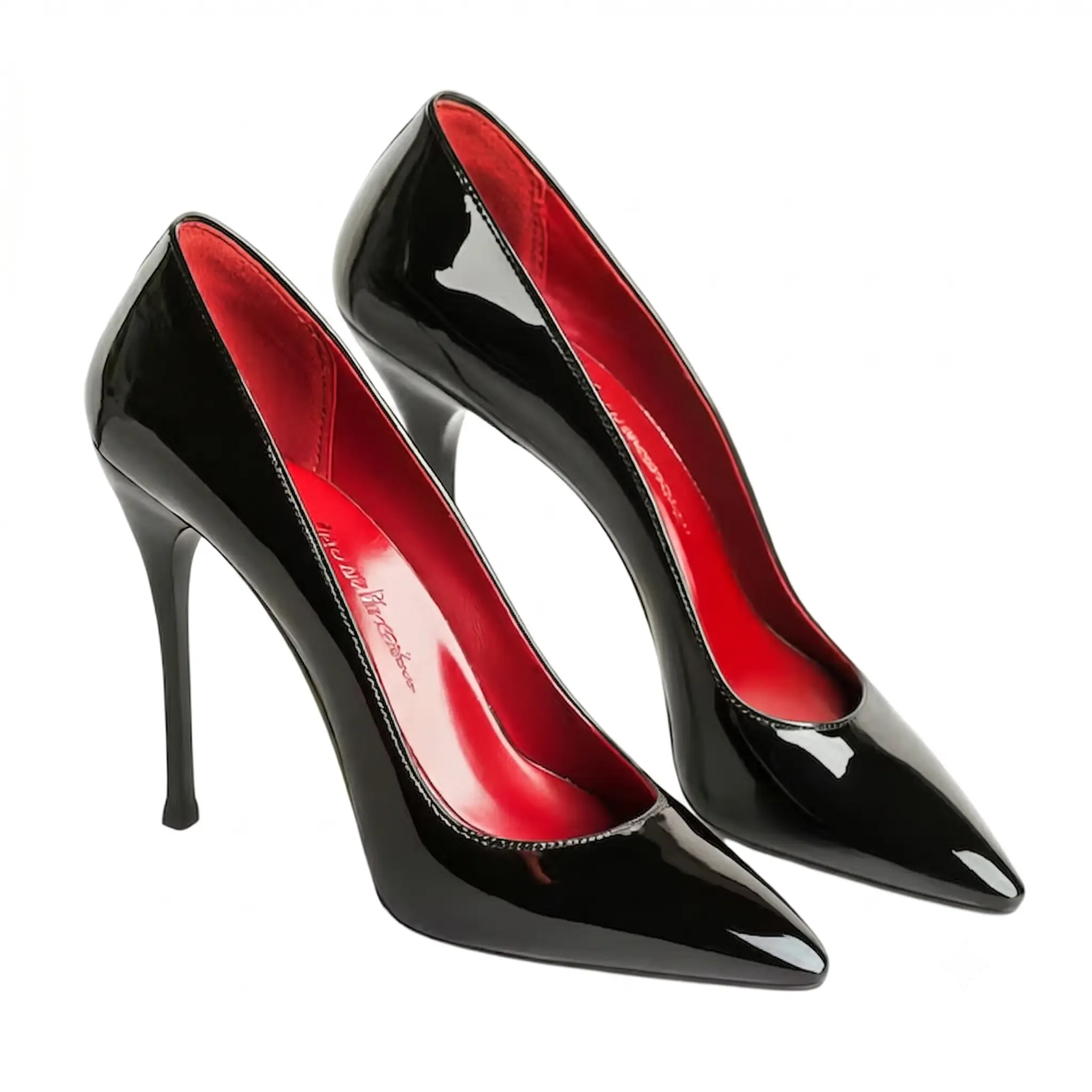 Before
 After
AfterYes. These prompts follow a universal structure (subject + surface + lighting + composition + mood + constraints) that works across Photoroom, Pebblely, Adobe Firefly, Seenable, and similar platforms. You may need minor syntax adjustments for each tool's interface—some tools prefer shorter prompts, others support longer descriptions—but the core logic translates directly. Test your first few prompts on your chosen platform to see what length and detail level produces the sharpest outputs.
Use explicit constraints: specify exact hex codes for brand colors (e.g., "brand blue is #1A2049, no color shift"), reference your logo explicitly ("logo text must be perfectly readable and unchanged"), and always compare outputs to your source product before publishing. If a specific prompt consistently distorts your logo, add a constraint: "logo proportions must match reference image exactly, no stretching or thinning of letterforms."
Aim for 1,000–2,000px on your longest edge. Ensure color accuracy (compare AI output to source product visually), clear product visibility, realistic shadows and reflections, and no blurring or distortion of fine details. Most importantly, test on real customers. Track whether listings with AI images show higher return rates than listings with professional photography. If they do, either improve your prompts or use AI for secondary variations only.
AI excels at clean studio shots, white-background marketplace images, lifestyle photography, product-in-use images, and flat lays. It struggles with complex textures (leather weaves, fabric patterns), highly reflective surfaces (jewelry, watches, metallic finishes), and multi-product staging. For luxury and high-reflection products, use AI for secondary variations and lifestyle shots; invest in professional base photography for hero images.
Regenerate when launching new product variations, running seasonal campaigns, or A/B testing new backgrounds or styles—not as a blanket catalog refresh. Once you have a tested, high-performing image set, you're not required to regenerate unless platforms require updated images or you want to test new contexts (lifestyle vs. studio, for example).
Yes, if they accurately represent your product. Amazon requires main images to have white backgrounds and clearly show the product—AI excels here. Lifestyle and A+ Content images have broader latitude. All platforms prohibit misleading representations, so ensure your AI images don't add features, change materials, or distort proportions compared to your actual product. Disclose to customers that images are AI-generated if required by your jurisdiction.
The prompts above are templates, not recipes. Your product is specific. Your brand has requirements. Your market has expectations. That's why the real work starts after generation: comparing outputs, identifying patterns, refining constraints, and building a tested library of what works for your catalog.
Start with your top-converting SKU or your most visually complex product. Run it through the studio shot prompt above, generate 5 variations, and compare them to your original product photos using the simple QA checklist. One of those variations will be marketplace-ready. Use that success as your template. Document what worked. Scale from there.
The brands that win with AI product photography aren't the ones who generate the most images. They're the ones who generate the right images—fast, consistent, accurate, and platform-ready. That's the difference between a tool and a competitive advantage.
Start generating marketplace-ready images with proven prompts
Try Seenable AI free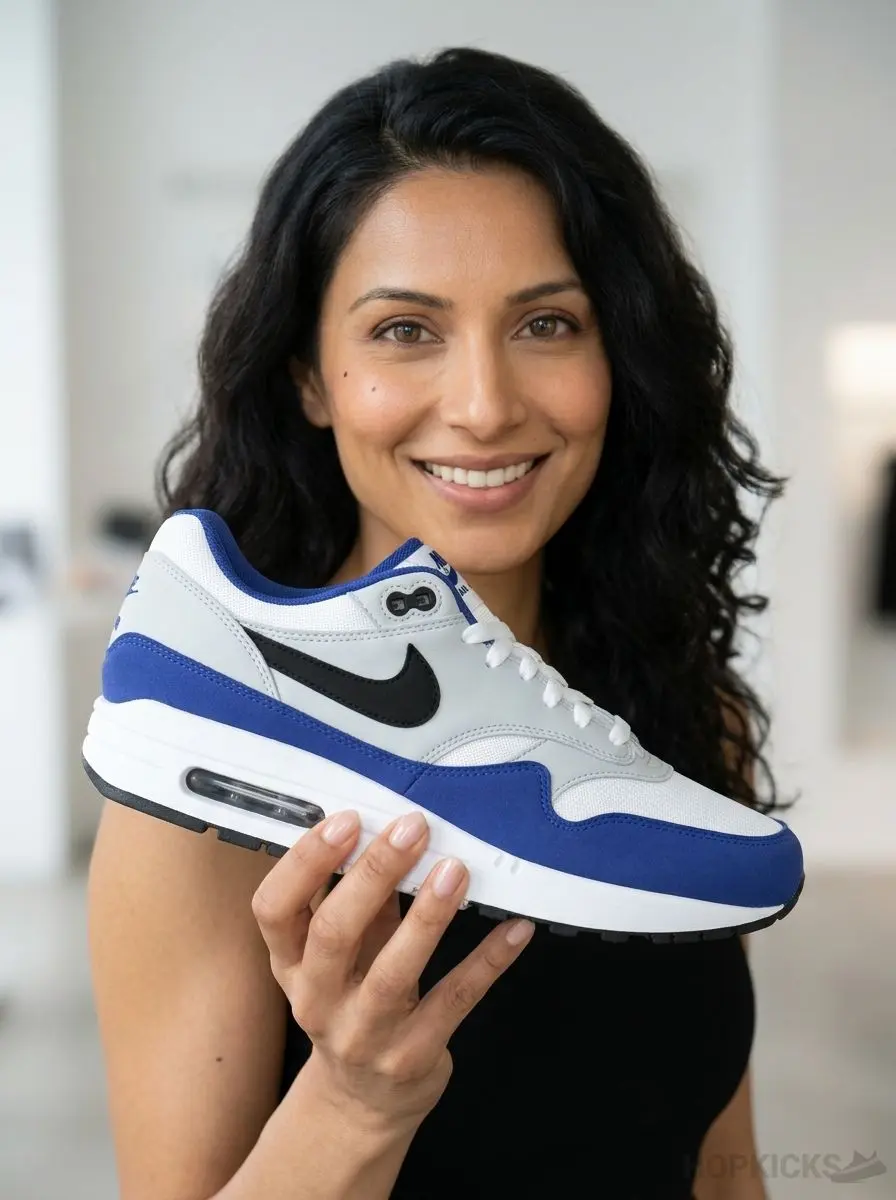 After
After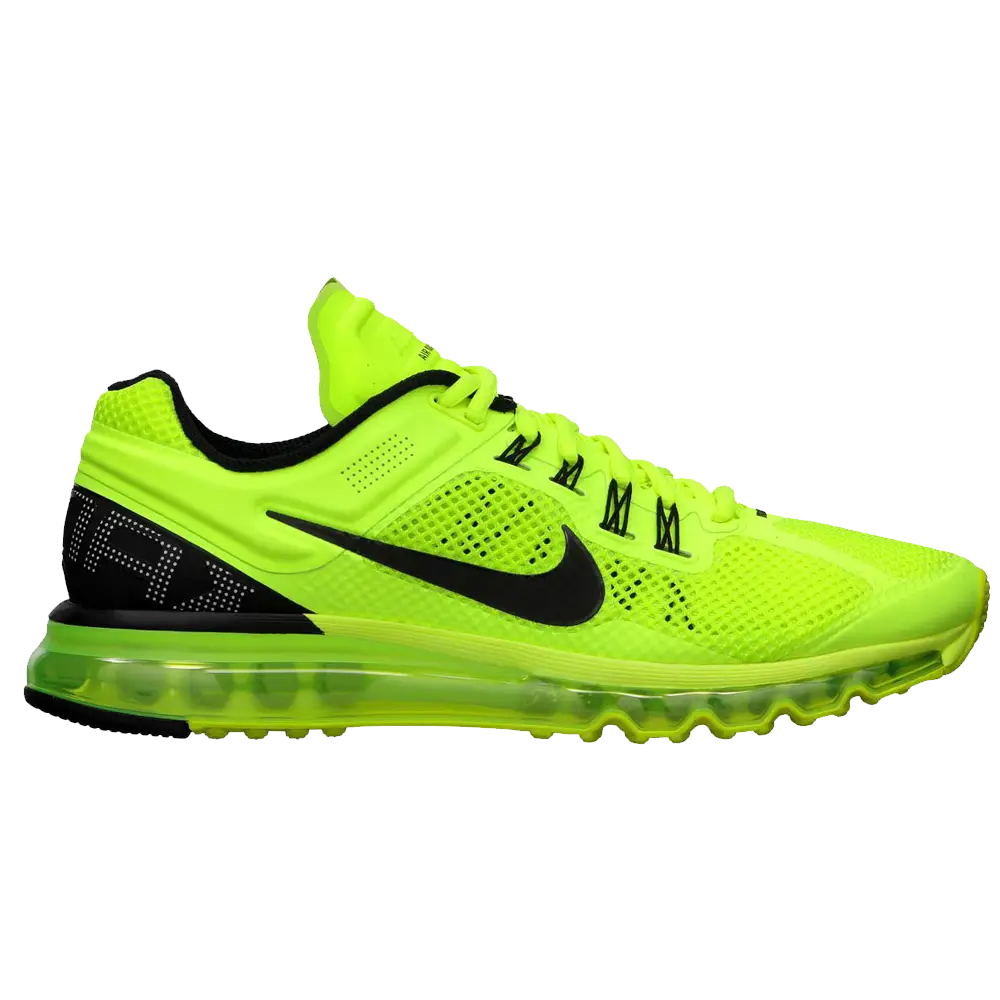
 After
After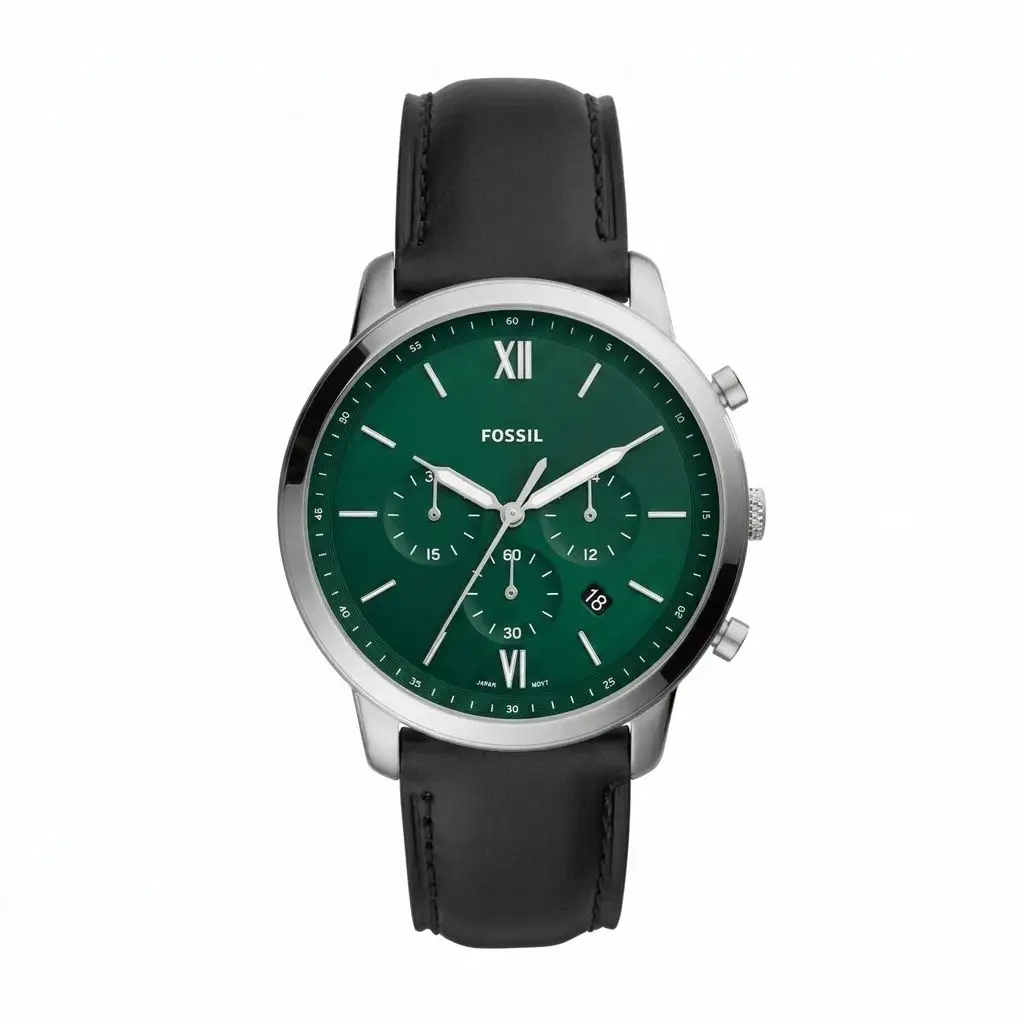
 After
After