

12 min read
7 Product Images Every Shopify Store Needs
Learn the 7 essential product image types that convert 1.6–2.4× better. White background, lifestyle, detail shots, and how AI generates them in minutes.
Learn the 7 essential product image types that convert 1.6–2.4× better. White background, lifestyle, detail shots, and how AI generates them in minutes.
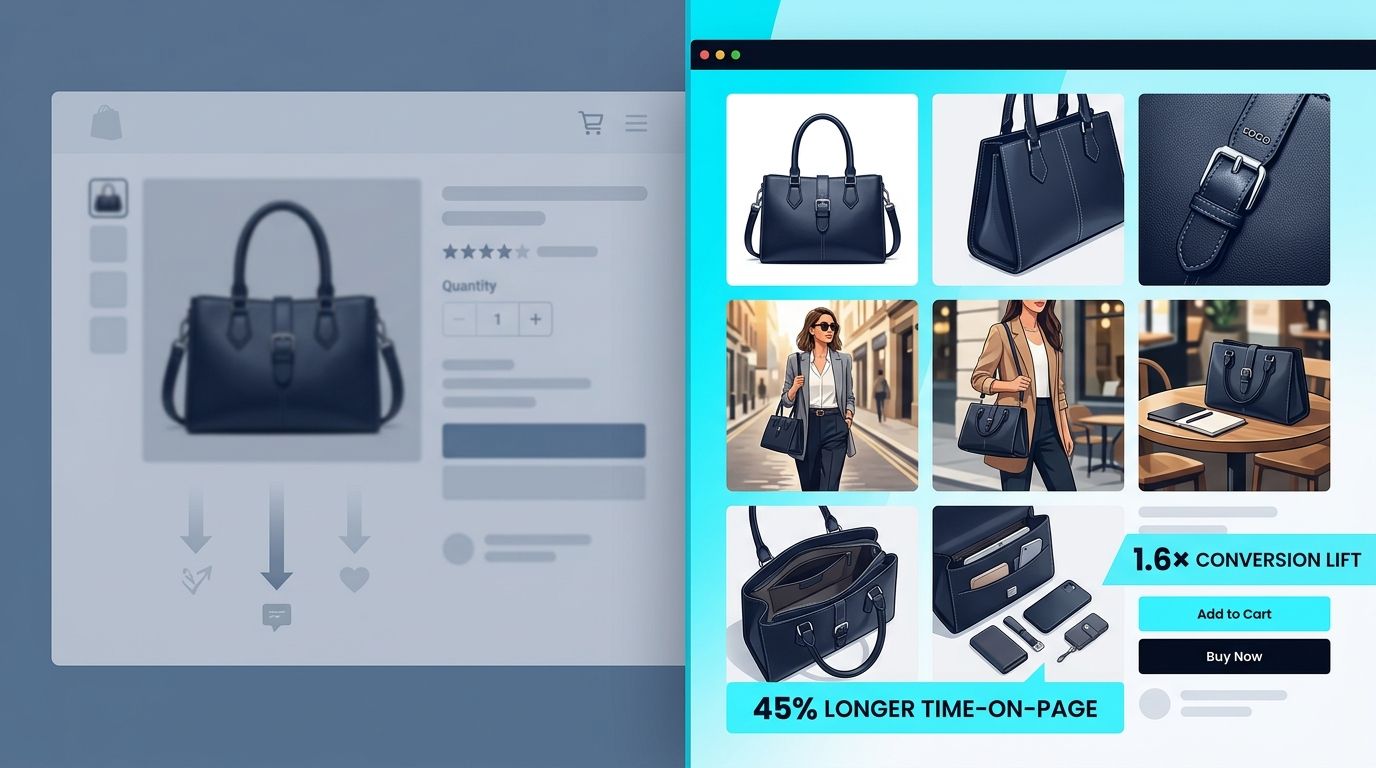
Professional Shopify stores use a specific set of 7 image types—white background, multi-angle shots, lifestyle, detail, and on-model imagery—each answering a different buyer question. Product pages with 6–7 images convert 1.6–2.4× better than single-image listings, and AI tools can now generate this full set from one professional source photo in minutes instead of days.
You've probably noticed something while scrolling through top-performing Shopify stores: their product pages don't look random. There's a rhythm to the image sequence. A clean hero shot, then three angles showing you what the product looks like from every side, then someone actually wearing or using the thing, then a close-up of the craftsmanship, then the packaging you'll unbox. It's not decorative. It's tactical.
That sequence exists because 75% of shoppers use product photos as their primary substitute for picking something up in a store. Your images are doing the work of a sales assistant. And the math is brutal: a single product image converts at a measurably lower rate than six thoughtfully organized ones.
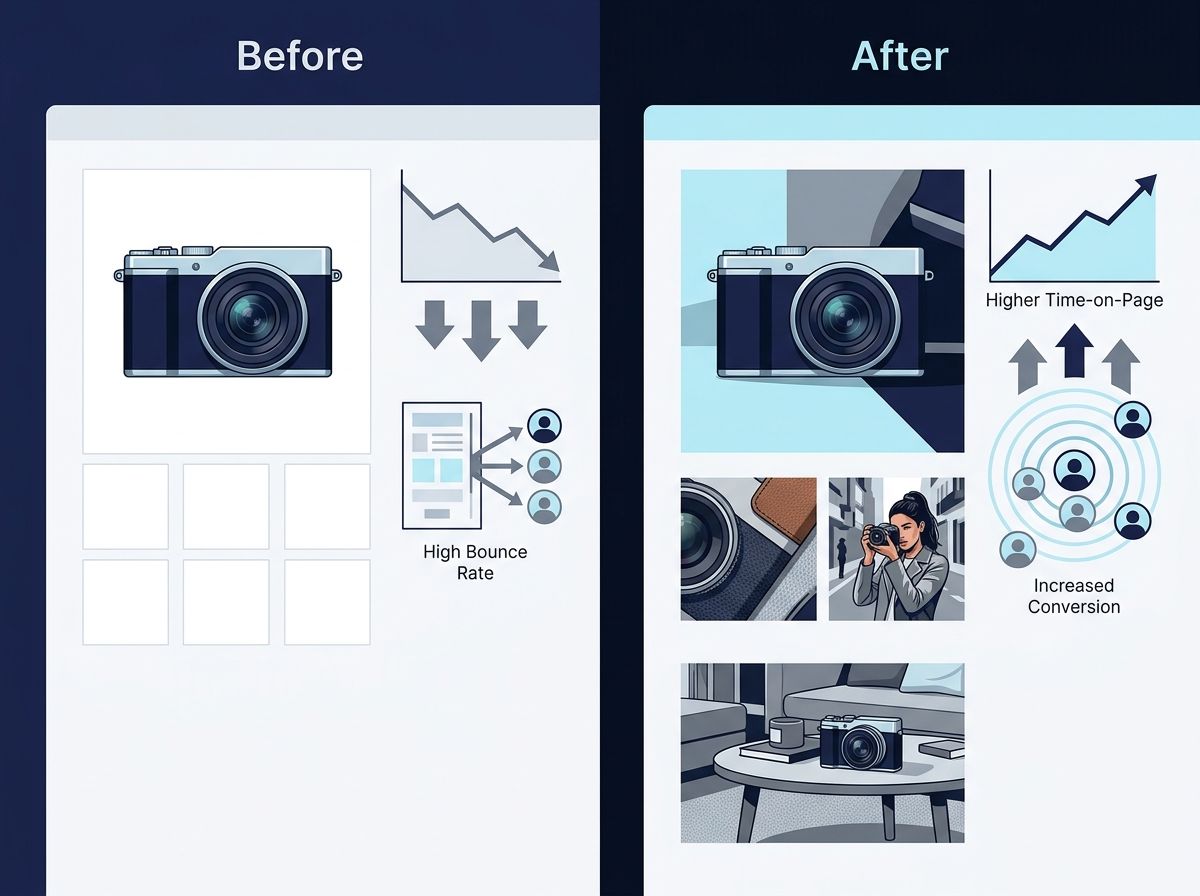
Here's what the data shows: listings with 7+ images outconvert single-image listings by 1.6 to 2.4×. Extended galleries keep shoppers engaged 45% longer. And when photos are high-quality, conversion rates jump 94% compared to low-quality alternatives. The ROI isn't speculative—it's measurable in days.
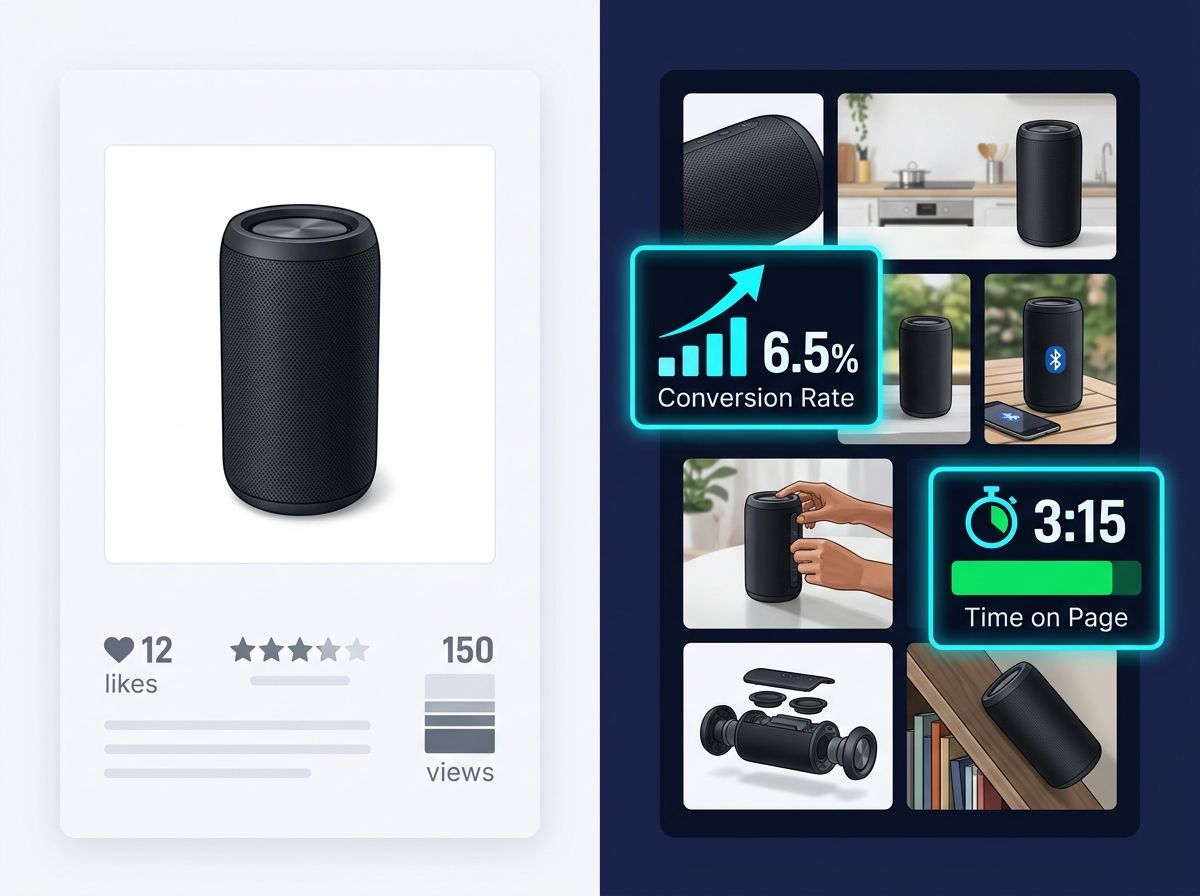
The stakes are real. Seventy-five percent of online shoppers rely on product photos to make purchasing decisions. That's not a minor factor in the funnel; that's the primary decision driver.
Here's where it gets worse: 58% of consumer packaged goods returns trace directly to misleading or low-quality product photos. When a customer receives something that doesn't match the listing, returns cost you money twice—the refund plus fulfillment overhead. On average, returns eat 16% of annual ecommerce revenue. A significant chunk of that is avoidable through better imagery.
The conversion science is clear. Baymard Institute research shows measurable conversion improvements with each additional image type, peaking around 7 images. Beyond that, you enter diminishing returns. But below 5 images, you're leaving revenue on the table. Top-performing Shopify stores average 6–7 images per product page.
Product pages with 6–7 images convert 1.6–2.4× better than single-image listings.
Why? Because each image type answers a specific question a shopper is asking. A white-background hero answers "What is this?" A multi-angle shot answers "What does this look like from the side?" A detail close-up answers "Is the quality real, or am I being upsold?" A lifestyle image answers "How will I actually use this?" The more questions you answer visually before the customer reaches the chat button, the higher your confidence signal.
Inconsistency amplifies the problem. When products in your catalog have different lighting, backgrounds, or saturation, the entire storefront reads as amateur. That costs conversions. A consistent white or neutral background across your catalog increases conversion by 31% because buyers process the page faster and trust the brand more. Visual consistency signals professionalism.
Upload one image and get studio-quality product photos, on-model shots, and ad creatives — no camera, no studio, no wait.
Try Seenable AI freeNo credit card required · 130 free credits included
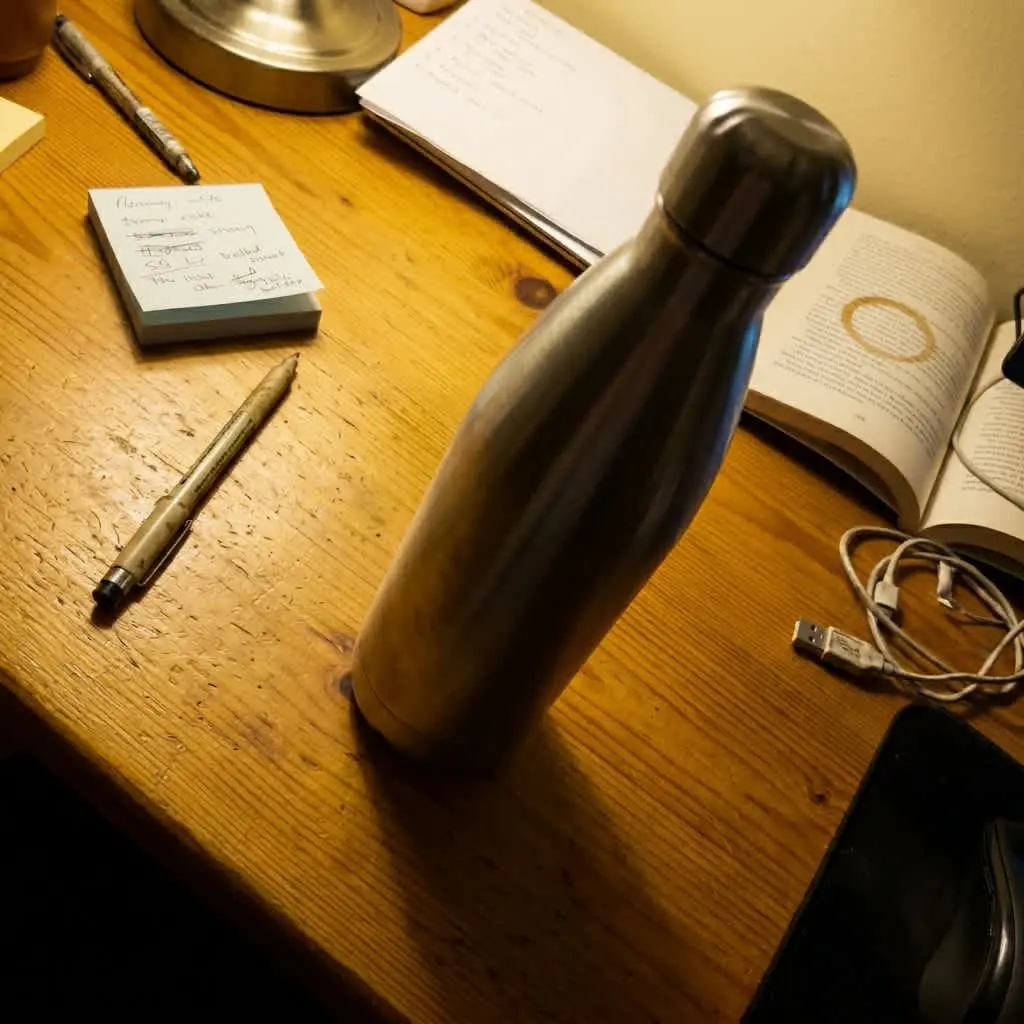 Before
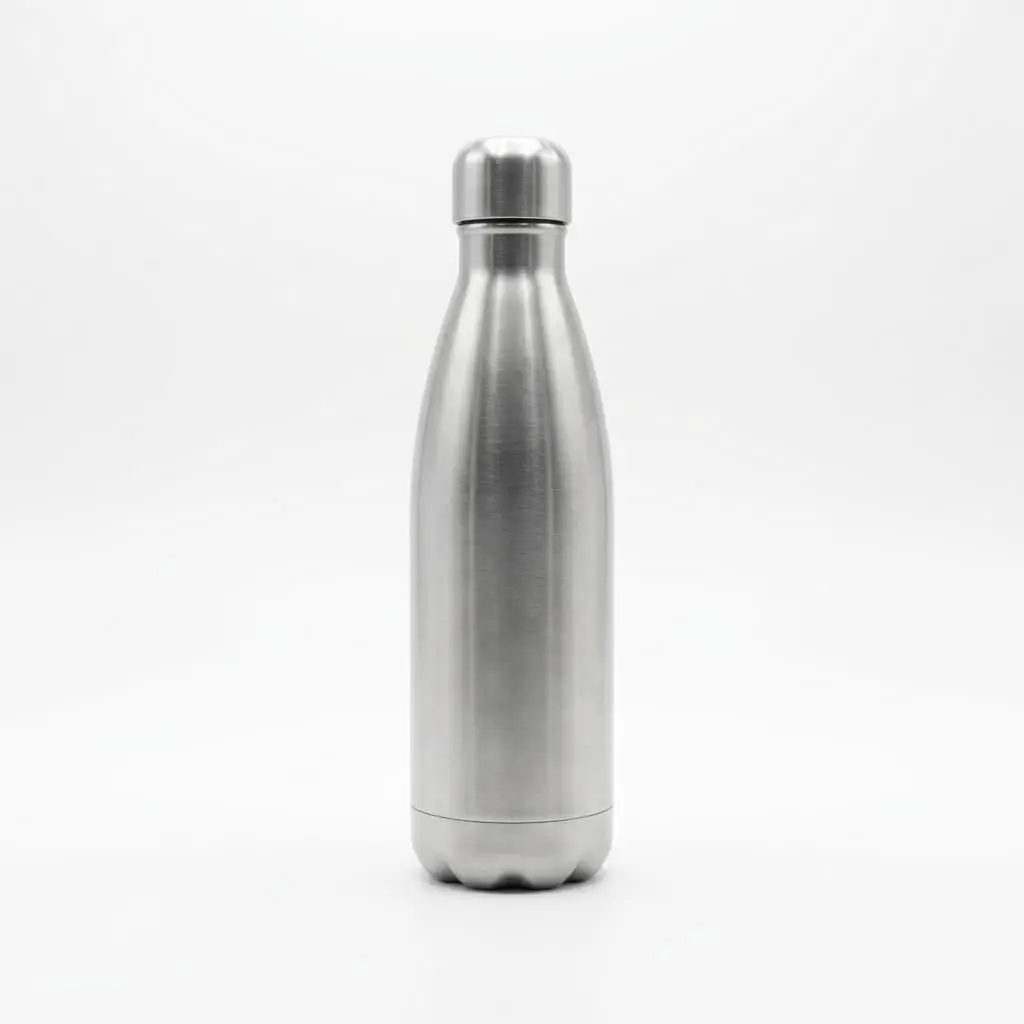 After
After
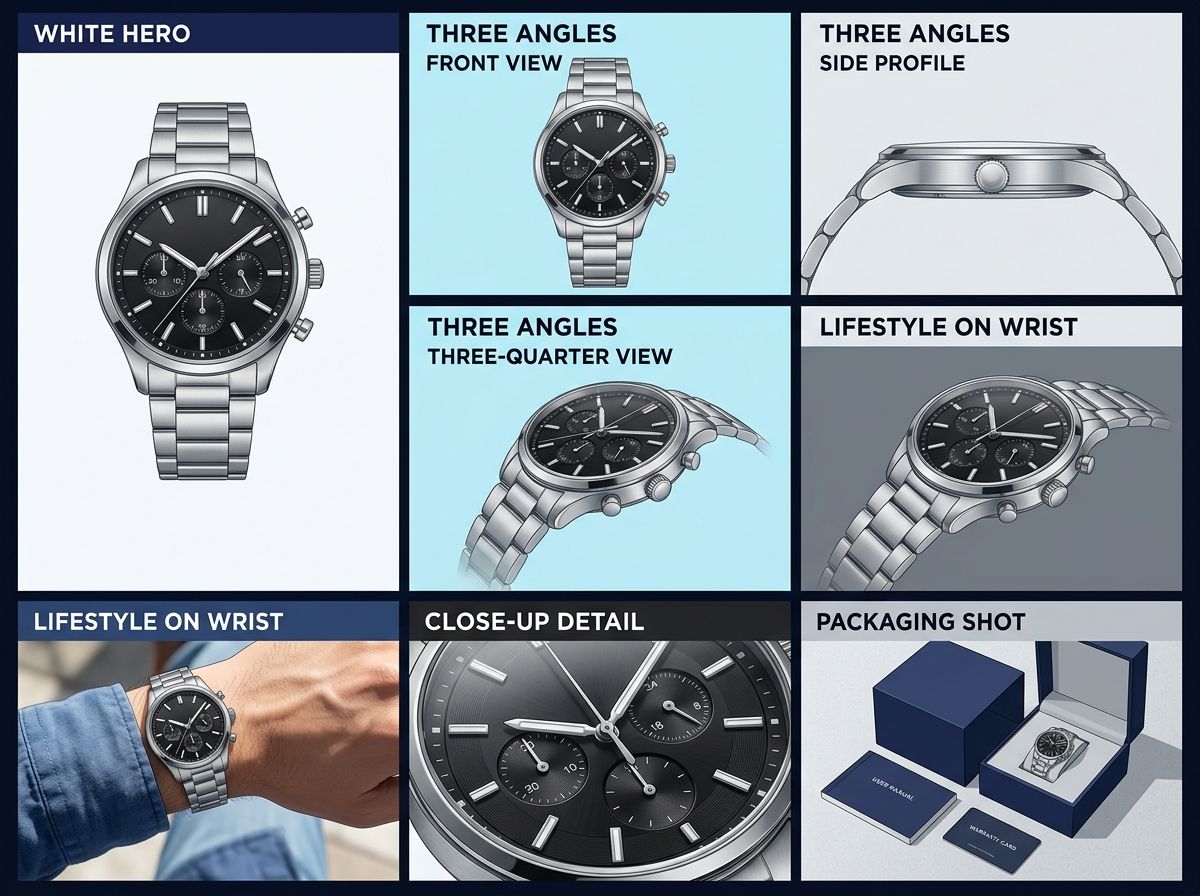
Most high-performing Shopify stores follow the same shot stack. Not because there's a rule, but because this structure answers every question a skeptical shopper might have before checkout.
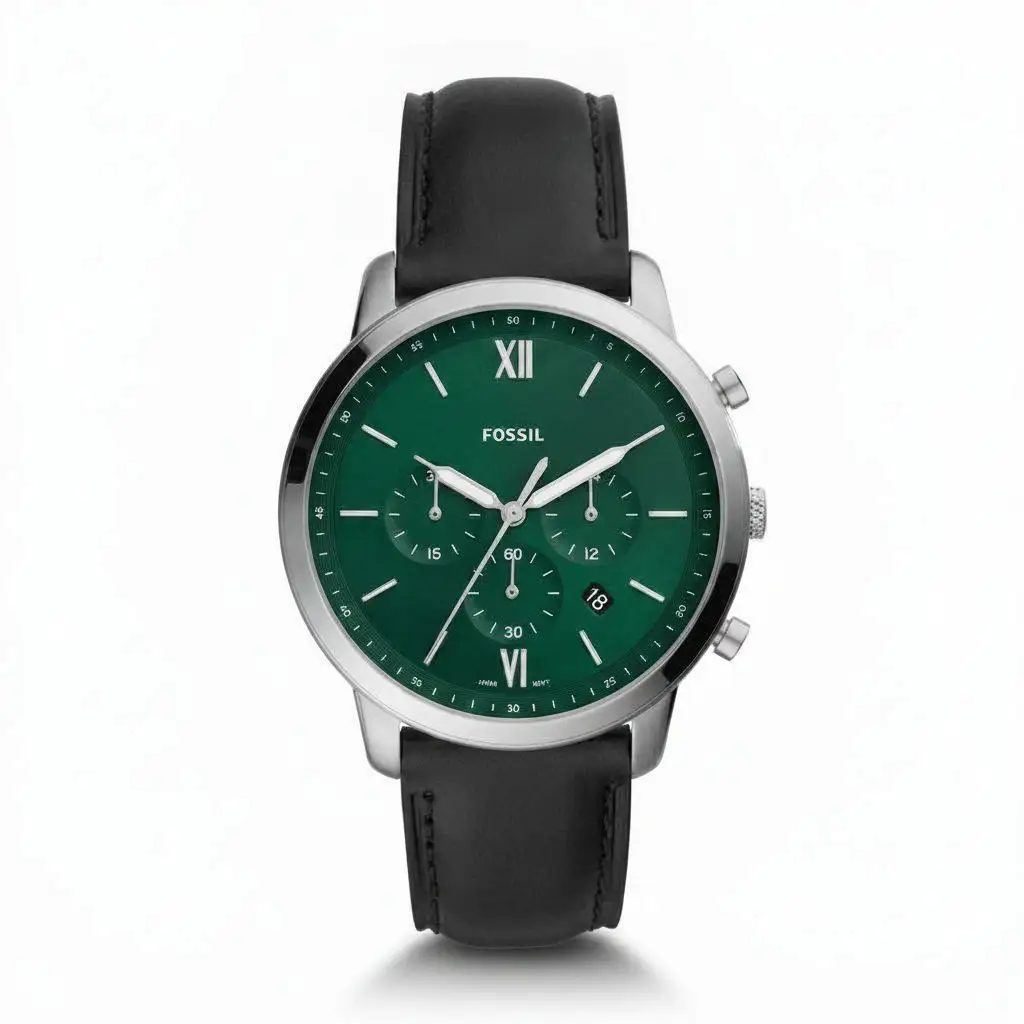
This is mandatory. Pure white background—RGB 255, 255, 255, checked with a color picker—with the product filling 85% or more of the frame. On Amazon, Etsy, and Google Shopping, this is a hard technical requirement. On your own Shopify site, it's the image that appears first, the one buyers see at thumbnail size on collection pages, and the one that sets the trust tone.
A clean white hero doesn't convert as well as lifestyle imagery on owned channels. But it does something lifestyle images can't: it works at 150×150 pixels, the thumbnail size on mobile category pages. It's legible when your storefront loads. And it's the image search engines prioritize when indexing your product.
Three distinct angles minimum. Each angle answers a different question. The front shows the primary feature set. The side shows depth and proportions—critical for fashion, kitchenware, and furniture. The back or top reveals hidden features, tag placement, or construction details.
When a buyer sees these three angles in sequence, their brain mentally rotates the product in 3D space. This is why multi-angle galleries reduce returns: the shopper has already visualized owning and handling the product.
Zoom in on texture, stitching, hardware, or material quality. If your product's price point is justified by craftsmanship—leather goods, jewelry, high-end apparel, electronics—a close-up proves it. This image directly fights the "it looked different in person" return reason.
For some product categories, this image is optional. For others, it's the difference between a conversion and a bounce.
A person using, wearing, or holding the product in a real-world setting (or a realistic styled setting). This image does something rational shots cannot: it builds emotional connection and demonstrates use case. Lifestyle imagery with authentic or creator-generated context converts 9–18% better than studio-only galleries because it feels human, not corporate.
This is where authenticity beats polish. A creator-produced image showing real interaction with the product outperforms a sterile styled photoshoot.
A product next to a hand, a coffee cup, or another familiar object for size reference. This is underrated. Buyers often can't judge scale from isolated product shots. Adding a scale reference prevents the "smaller than I expected" return reason.
If your product is apparel, footwear, or anything worn on a body, show it on a model. This image exists to answer "How does this fit? How does it look when someone wears it?" Styled on-model shots convert measurably better than flat-lay or hanger-only presentations.
The box, packaging design, or contents laid out. This image addresses the first moment of ownership—the unboxing experience. Strong packaging imagery builds anticipation and reduces cognitive dissonance between online and offline experience. It also signals a professional, thoughtful brand.
This is where many brands get stuck. Should I shoot everything on white? Should everything be lifestyle?
Neither. Use both, strategically.
White-background hero shots are mandatory for discovery channels: Amazon, marketplace listings, Google Shopping, category pages. The technical requirement is strict—pure RGB 255,255,255, product filling 85%+ of frame—because consistency across thousands of listings helps the search engine and the buyer scan faster. Marketplace algorithms also prioritize white-background images because they load faster and display consistently across devices.
Lifestyle images win on owned channels: your Shopify homepage hero section, email, Instagram, landing pages. On these channels, you control the layout and messaging, so lifestyle imagery can do more strategic work. A lifestyle image with authentic use context (or better, creator-generated imagery showing real interaction) converts 12–18% better than a styled studio alternative because it builds trust through authenticity.
The best-performing product pages combine both: white hero for discovery, lifestyle and detail for conversion narrative.
Here's the practical play: your first image is a white-background hero. This is your lead image, the one that appears in search results and collection pages. Your second or third image should be a lifestyle shot, showing the product in real use. Then multi-angles, then close-up, then packaging.
On mobile (where 60–70% of Shopify traffic lands), the sequence matters. Buyers see the hero at thumbnail size first. They click through, and your second image loads: the lifestyle shot. This builds a narrative from "What is this?" to "How does this fit into my life?"
A consistent background across products also improves SEO. Clean, uniform images are crawled and indexed faster than busy, variable backgrounds. The storefront also appears more professional, which is a subtle but real signal of brand maturity.
Upload one image and get studio-quality product photos, on-model shots, and ad creatives — no camera, no studio, no wait.
Try Seenable AI freeNo credit card required · 130 free credits included
 Before
 After
After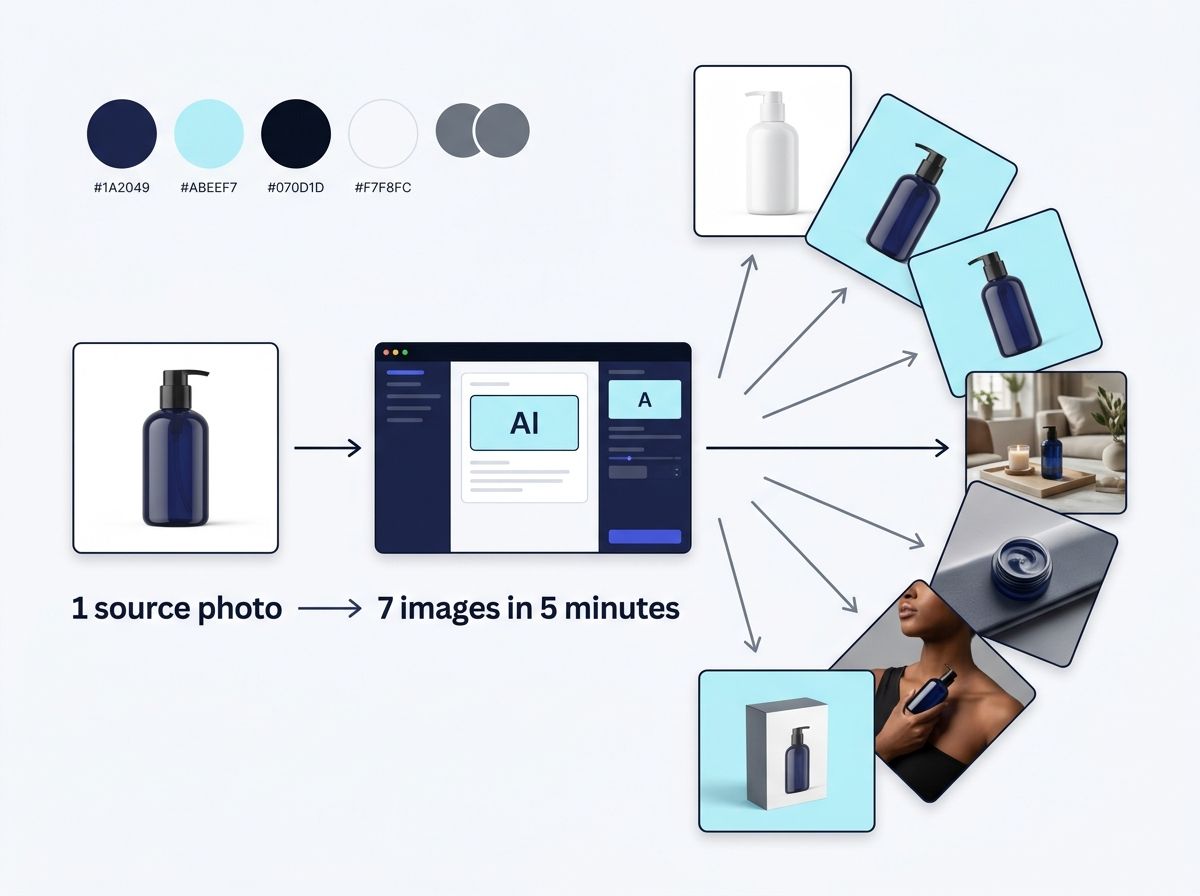
This is where the economics shift. Traditional product photography costs $200–500 per product for a studio shoot. That's $2,000–5,000 for a 10-product launch. Turnaround is 5–7 days. If you're adding products regularly, the bottleneck becomes real.
AI product photography tools (Higgsfield AI, Pixelcut, Adobe Firefly, Seenable) solve this by extracting the product from a source image and compositing it into multiple studio, lifestyle, and scene backgrounds. One input image becomes 6–8 professional-looking variations in minutes.
The critical prerequisite is a strong source photo. Sharp focus. Even lighting. Neutral background (white or light gray). Product filling 60–80% of frame. A compressed smartphone snapshot won't work; AI is scaling good material, not salvaging poor input.
Given a solid source image, AI tools generate variations at scale. Instead of regenerating one image at a time in design software (which takes 10–15 minutes per variation), batch generation lets you define a product once, then produce 20+ marketplace-ready, catalog-ready, and social-ready images in one pass. Cost per image drops from $200–500 to $2–8 in credits.
For a brand adding 10 products per month, this is 2–3 weeks of manual design work compressed into an afternoon of batch generation.
Here's what top-performing stores do: they define a standard shot stack upfront, then apply it uniformly across 80%+ of their catalog. For example: white hero, three angles, detail close-up, lifestyle, packaging. Every product gets these six images. This consistency builds brand recognition and reduces buyer friction.
Start with one strong source photo per product. A smartphone with good natural light, a tripod, and a white background can produce this. Or hire a local photographer for $100–150 per product (much cheaper than a formal studio shoot). This single image feeds all downstream variations, whether you generate them via AI or outsource to a designer.
Use a color-checker card in your first frame of each batch shoot. This is a small card (Xrite ColorChecker Passport) that standardizes white balance and color saturation across all shots. Apply the resulting color profile in post-production. This prevents the visual discord that signals "amateur marketplace" to shoppers scanning your collection page.
Plan for scale. If you're launching 20+ products per year, manual image production doesn't scale. Batch AI generation ensures consistency even as your catalog grows. You define the style once (white background, this specific angle, this specific lifestyle scene). The AI applies that style uniformly across all products.
Upload one image and get studio-quality product photos, on-model shots, and ad creatives — no camera, no studio, no wait.
Try Seenable AI freeNo credit card required · 130 free credits included
 Before
 After
AfterFive to seven images is the industry standard; top-performing stores average 6–7. Anything below 4 images sees measurably lower conversion. Product category matters: simple or inexpensive products (food, cosmetics) need 3–5 images; fashion needs 5–8; furniture and electronics need 6–10.
Yes, with conditions. Use a well-lit space (natural light near a window works best), a simple white background, a tripod for stability, and shoot from multiple angles. Avoid digital zoom; move physically closer instead. Smartphone cameras in even light produce results competitive with dedicated studio gear.
Shopify recommends 2,048 × 2,048 pixels in square (1:1) aspect ratio for maximum zoom quality and mobile responsiveness. Keep file size under 200KB (aim for under 100KB when possible). Use JPEG for photos, PNG for graphics. WebP format offers 25–50% better compression with no visible quality loss.
Lifestyle imagery with authentic user context converts 9–18% better because it builds emotional connection and demonstrates real-world use. Creator-generated or user-submitted lifestyle images are more credible than styled studio shots because they feel human and relatable, not corporate.
Conversion rate improvements of 7–94% are documented depending on category and current baseline. Payback is rapid: higher conversion rates directly increase revenue per session and reduce returns, which cost an average of 16% of annual revenue.
Use a color-checker card in your first frame of each batch, apply the resulting color profile in post-production software, and maintain consistent lighting temperature across all shots. Define a brand style guide specifying white balance, saturation, and background hex codes before you start shooting.
The 7-image system isn't complicated. It's just deliberate. Each image type answers a specific question a buyer has before checkout. When you answer those questions—white hero for clarity, multi-angles for confidence, lifestyle for context, detail for proof, on-model for fit—conversion lifts measurably. And because AI can now generate most of these variations from one professional source photo in minutes, the economics work even for small brands.
Start with one strong source image per product. Define your shot stack (white hero, three angles, detail, lifestyle, packaging). Commit to that structure across your catalog. Watch your conversion rate climb. You're not adding volume for volume's sake—you're answering the questions that matter.
Generate your 7-image product set in minutes. Start free with Seenable—no credit card required. Upload one product photo and see a full gallery of studio, lifestyle, and marketplace-ready variations generate in seconds.
Generate your product image set in 5 minutes—start free, no credit card required
Try Seenable AI free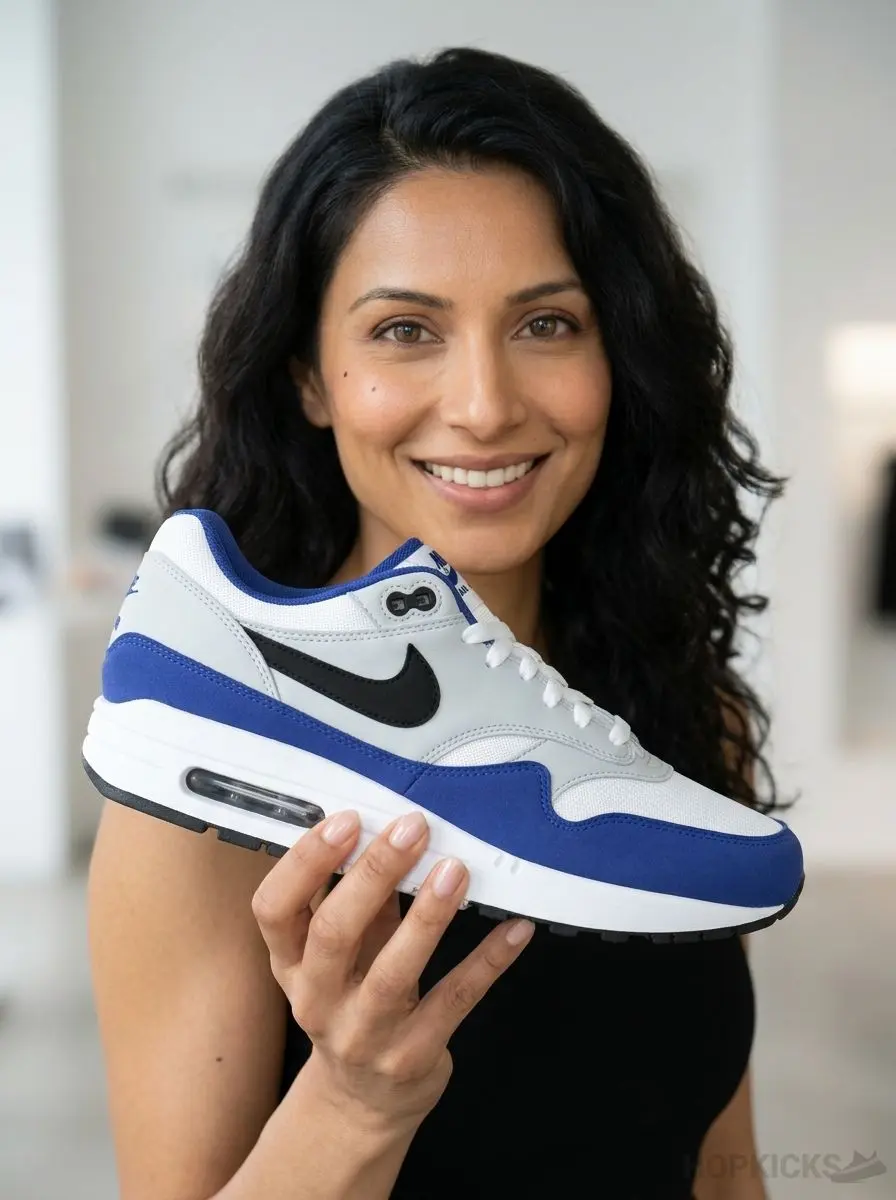 After
After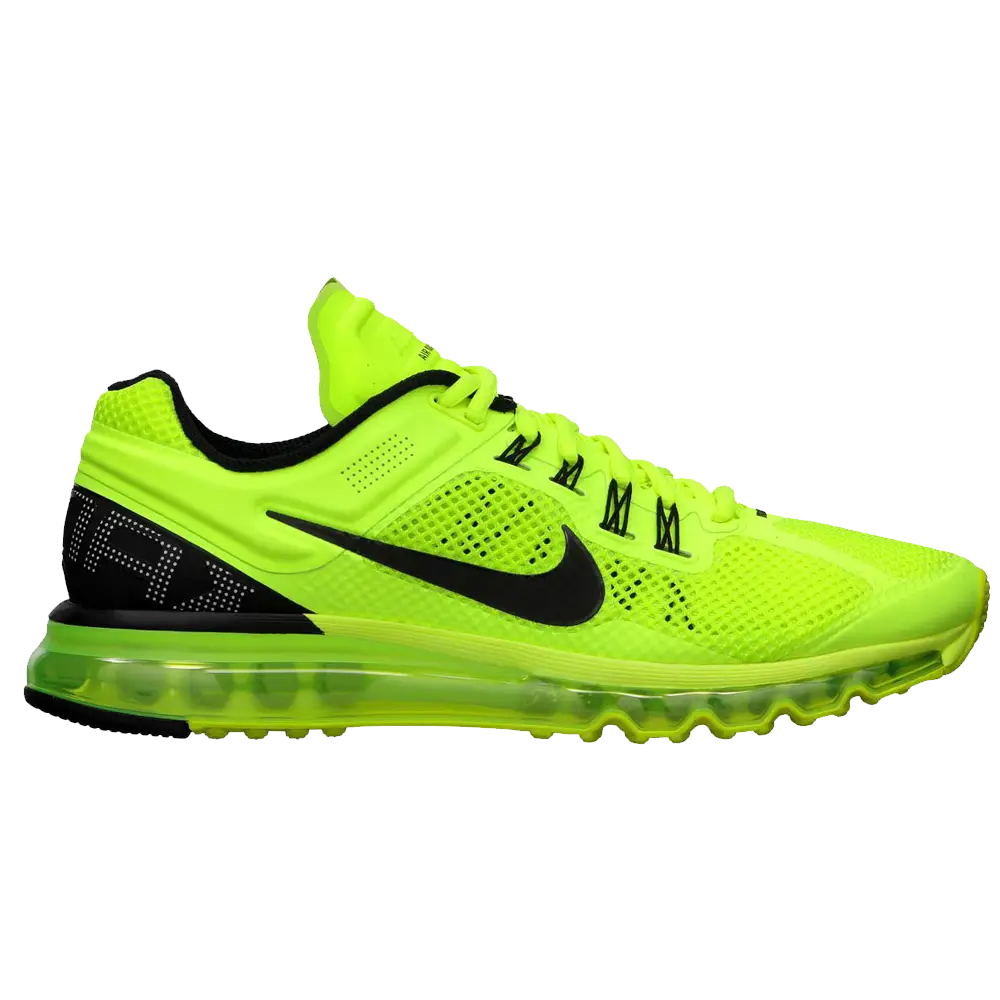
 After
After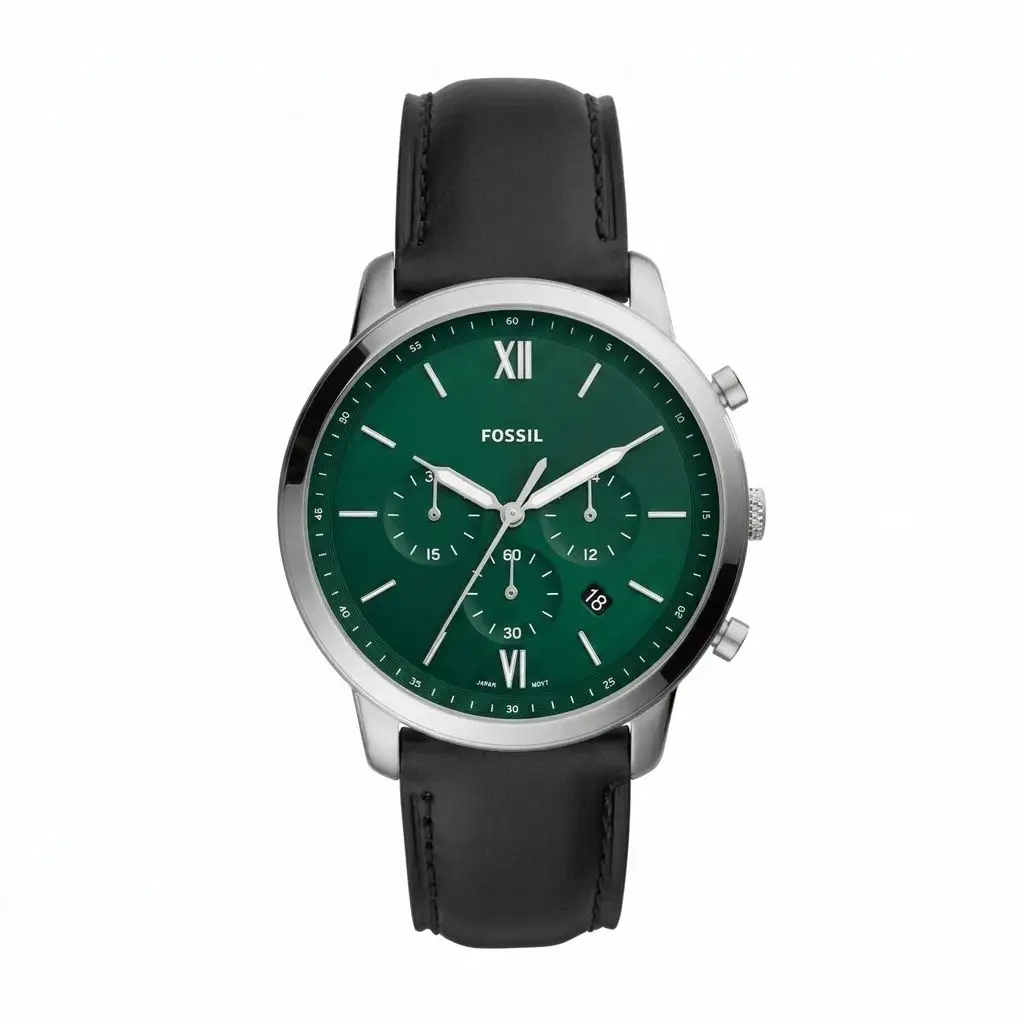
 After
After