

15 min read
Amazon Product Image Requirements 2026: The 7-Image System
Amazon sellers need 7+ optimized images per listing to convert. Learn the 2026 requirements, shot list, and how to build complete visual sets from one source photo.
Amazon sellers need 7+ optimized images per listing to convert. Learn the 2026 requirements, shot list, and how to build complete visual sets from one source photo.
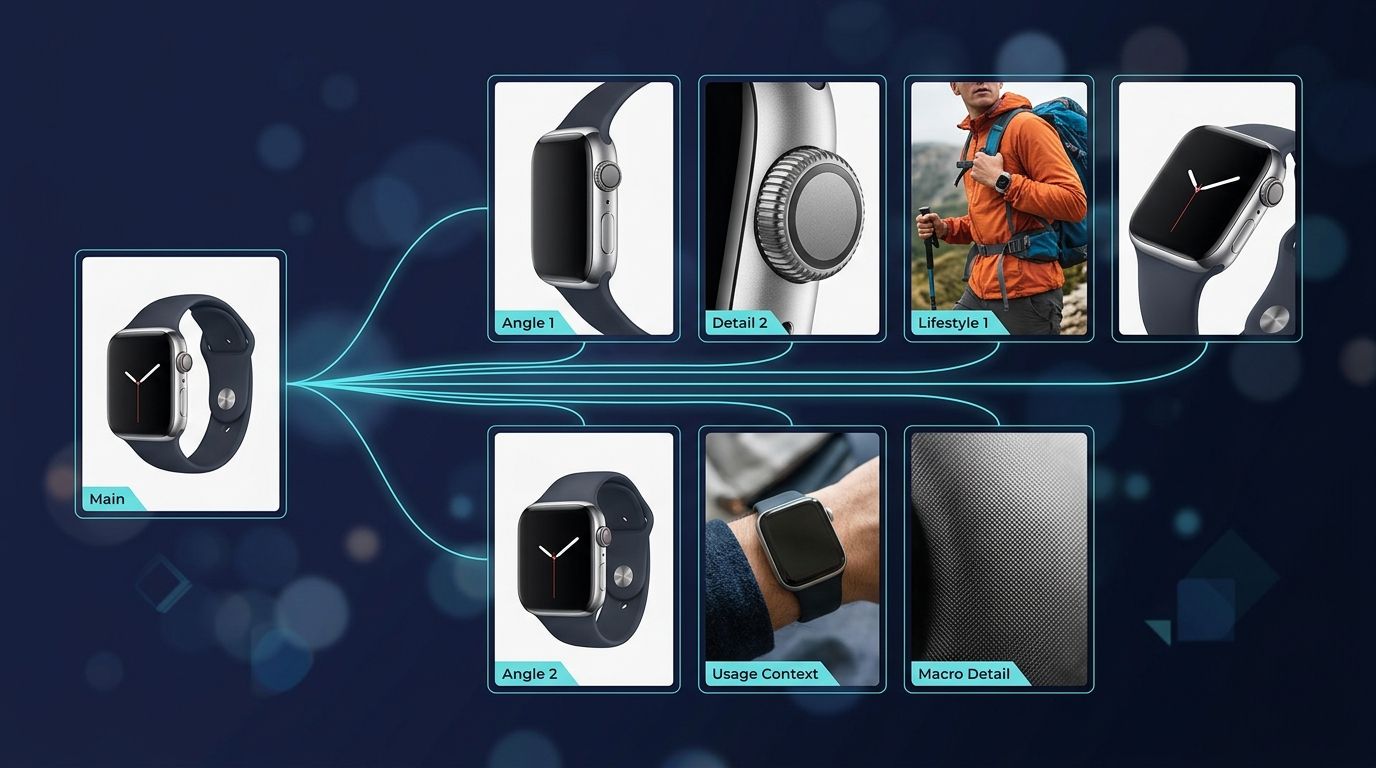
Amazon sellers need 7+ optimized images per listing—not just a main photo. Each image serves a specific buyer question, from main white-background proof to lifestyle context and feature details. Using AI to extend verified product photography across this full set can increase conversions by 15–35% while keeping production costs and timelines flat.
Your Amazon listing has nine seconds.
That's not how long a shopper looks at your main image. That's how long they decide whether to click into your listing at all. And 70% of them are doing this on a phone screen where your hero photo occupies 85–90% of the viewport.
The brutal reality: your price doesn't close the sale. Your reviews don't close the sale. Your product images close the sale. Seventy-five to eighty-three percent of Amazon shoppers cite product photography as their primary purchasing driver—more than reviews, more than price, more than brand recognition. The image sequence is the conversation between your product and a buyer who can't touch, feel, or try it before paying.
But here's what most sellers miss: Amazon doesn't need a beautiful photo. Amazon needs a system of photos that answers every question a skeptical buyer could have—and does it faster than they can switch to a competitor's listing.

A shopper lands on your listing. They see your main image in less than a second. If that image doesn't immediately communicate what the product is, they leave. If they do click, they scroll through your image gallery in the next 8–12 seconds, zooming in on details, comparing angles, looking for proof.
Ninety out of ten shoppers rank high-quality product photography as a top purchase factor. But here's what separates listings that convert from listings that generate returns: every image in that gallery answers a specific question the buyer is asking.
Image quality matters so much that listings with high-resolution photos convert at rates 94% higher than low-resolution ones. Zoom-enabled listings—which require 2,000+ pixel dimensions—convert 30% better than non-zoom listings. But quantity matters too: listings with 7 or more images convert at nearly double the rate of listings with only 1–2 images.
Every image in your gallery should answer one specific buyer question.
The inverse is also true. Twenty-two percent of online returns are attributed to "different from photo." Buyers buy based on what they see. If your images don't accurately represent your product, you don't have a customer problem—you have a returns problem. And returns destroy your Amazon metrics faster than anything else.
Seventy percent of Amazon purchases happen on mobile. On a phone, the main image fills the screen. Your secondary gallery is thumbnails. A buyer scrolls through these thumbnails in maybe 8–10 seconds total before they either add the product to their cart or bounce to a competitor.
This sequence is not random. The main image drives the click-through rate (CTR). The secondary gallery—images 2 through 7—drives the conversion rate (CVR). If your main image gets clicks but your gallery doesn't convert them, the problem isn't your price or your reviews. It's your visual storytelling.
On mobile, buyers can't see detail. They rely on progressive revelation: the main photo shows the overall product. The next image shows it from a different angle. The third shows it in context. The fourth zooms in on a key feature. The fifth establishes scale. The sixth places it in a lifestyle setting. The seventh proves a benefit or compares it to alternatives.
Each image builds confidence in sequence. Miss one, and the buyer moves to the next competitor's listing.
When your images leave gaps, your shoppers fill them with assumptions. And assumptions usually swing negative. "Is this product really that color? Maybe it's darker in person." "How big is it? It looks small." "Will it work for my use case? I don't see anyone actually using it."
These small doubts compound into return requests. Multiple-angle shots decrease return rates by 35%. Accurate product representation reduces returns by another 25%. Images that show the product in use answer the question "Will this work for me?" and slash buyer's remorse by half.
The sellers winning on Amazon aren't shooting more photos. They're shooting smarter photos that answer specific questions in a specific sequence.
Upload one image and get studio-quality product photos, on-model shots, and ad creatives — no camera, no studio, no wait.
Try Seenable AI freeNo credit card required · 130 free credits included
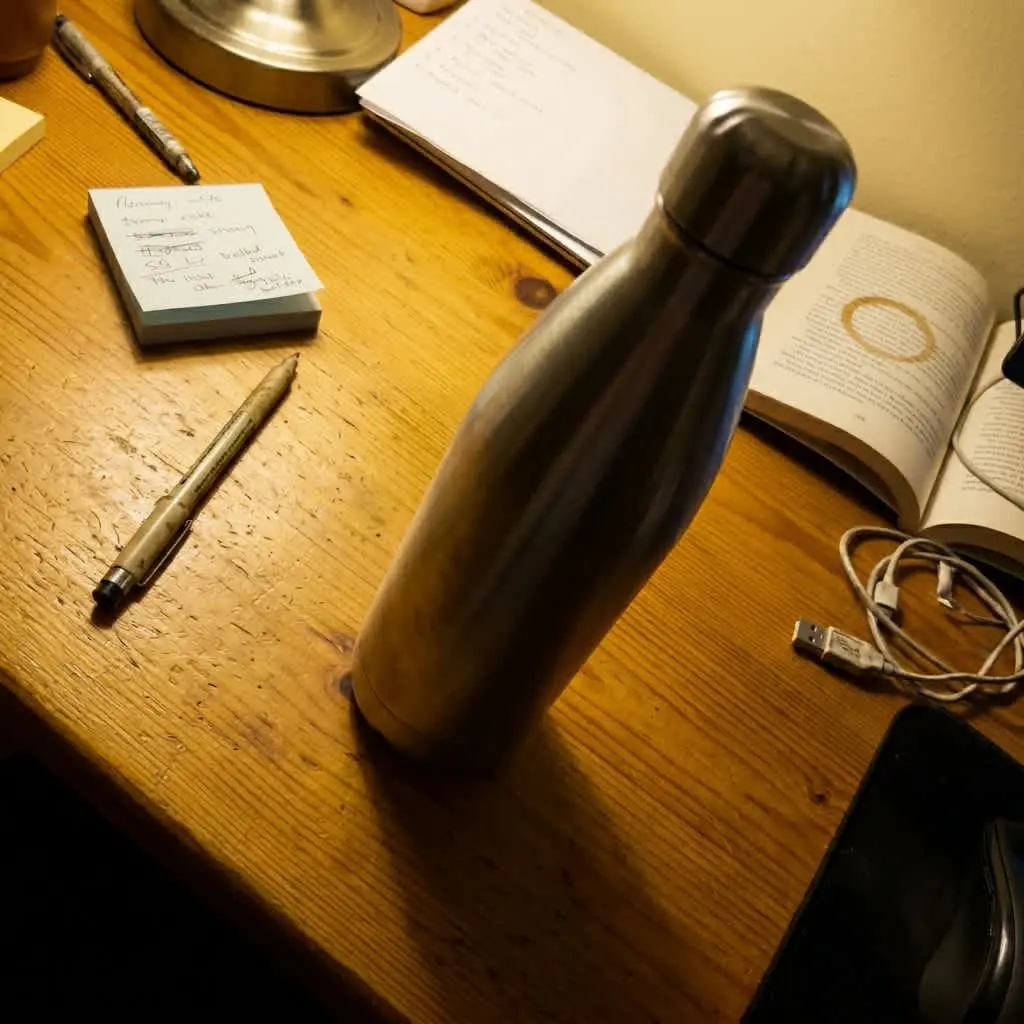 Before
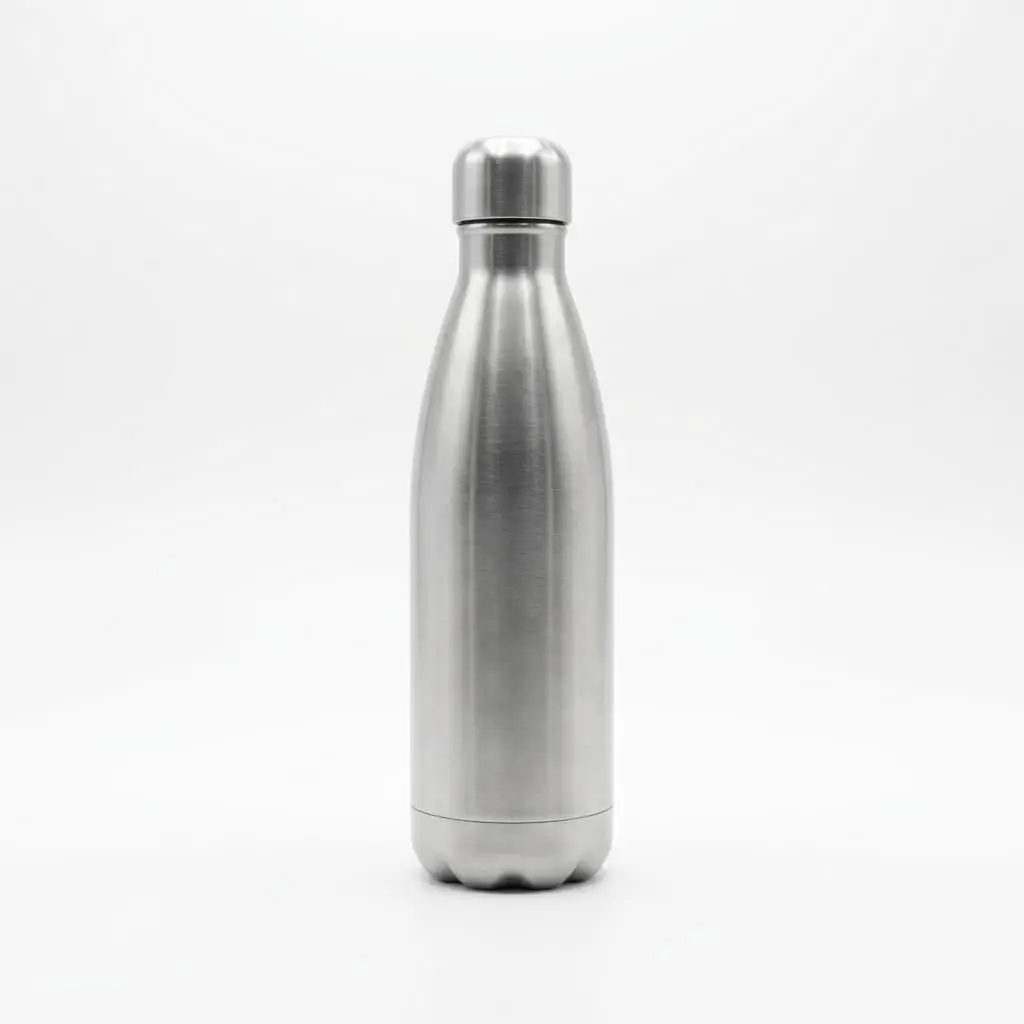 After
After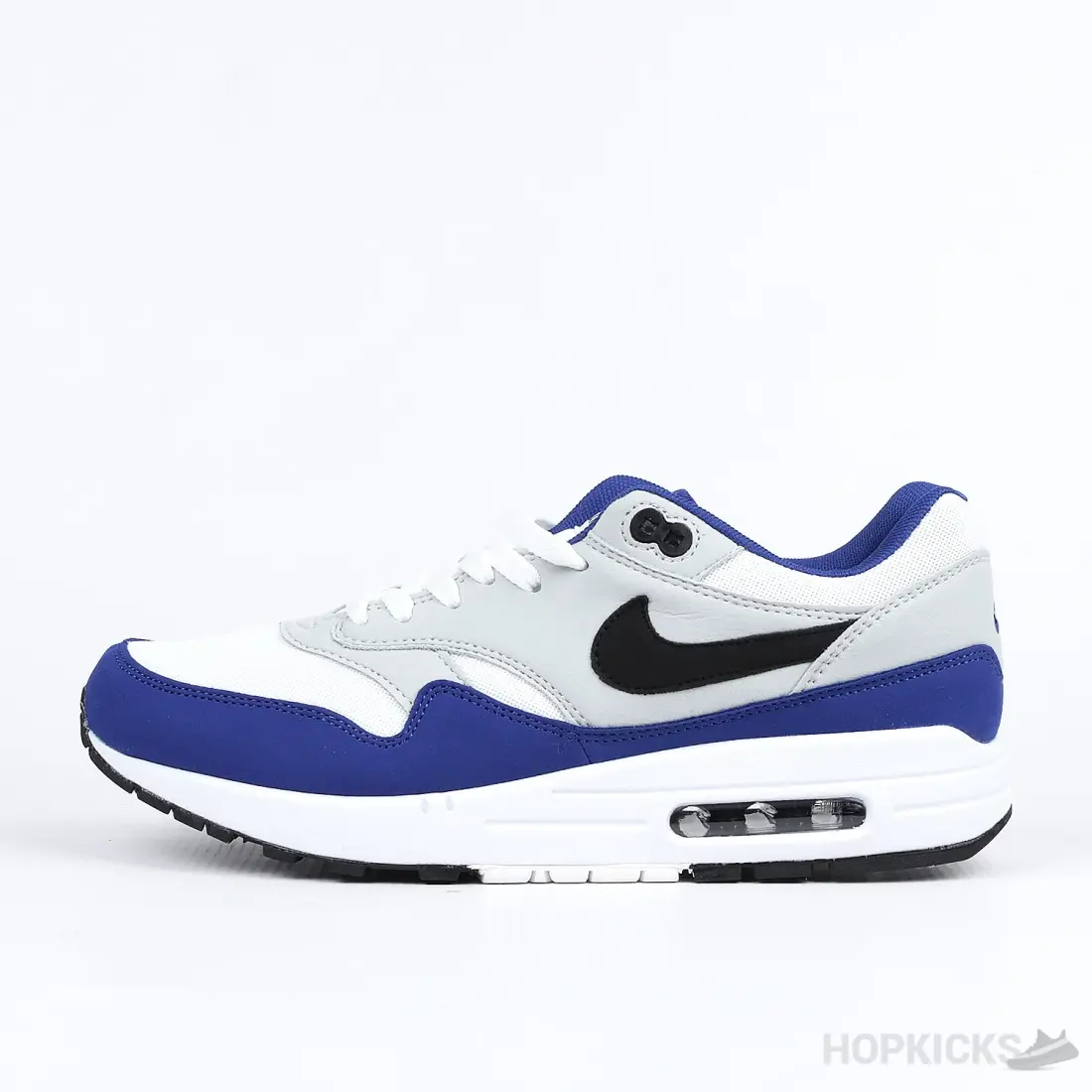
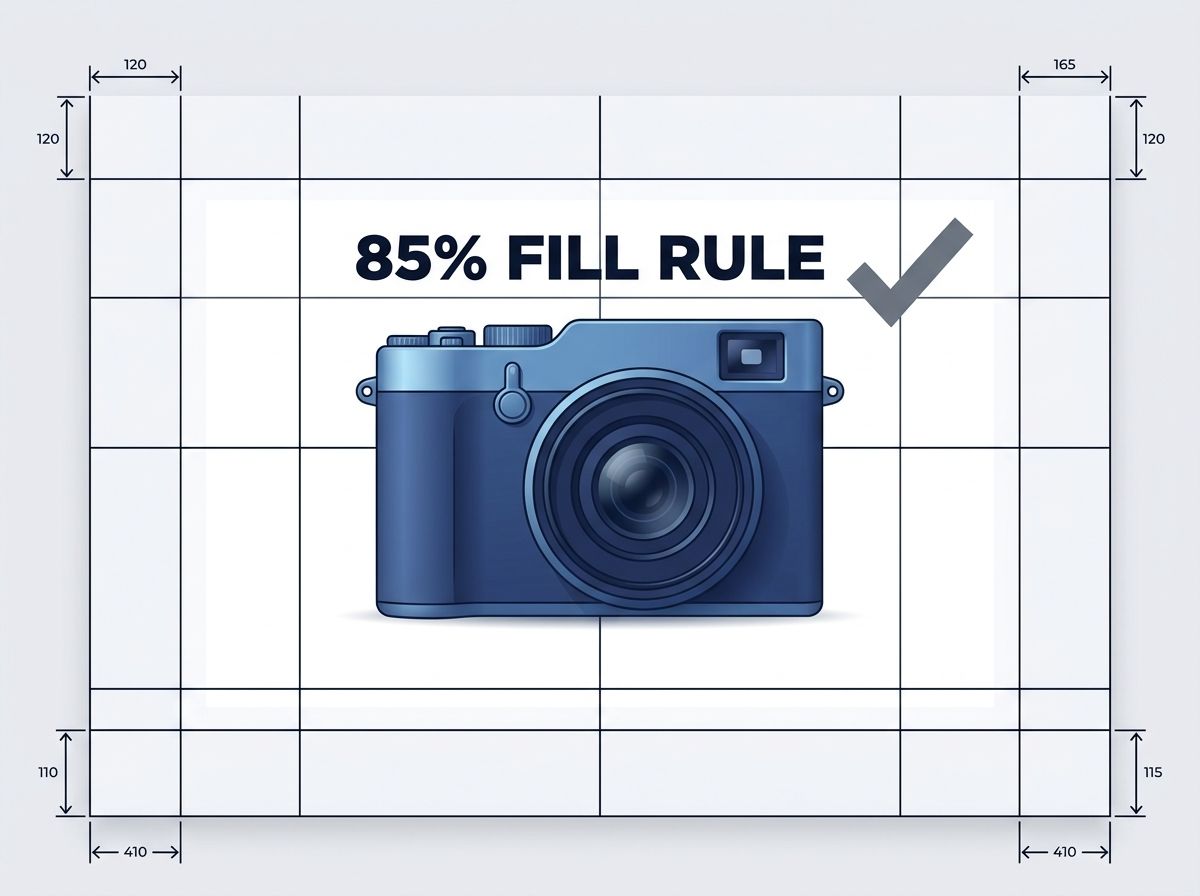
Amazon's automated compliance system is ruthless. Upload a non-compliant main image, and it's suppressed from search results within minutes—no manual review grace period, no warning, no do-over.
Here's what passes:
Main image requirements (Image 01):
This is not a guideline. This is the wall.
Amazon's 2026 automated system flags any background that isn't pure white, any product undersized in the frame, any secondary objects competing for space. It's binary: compliant or suppressed.
Images 2–7 have more flexibility, but they still follow rules:
Secondary images should:
Secondary images can include text, lifestyle staging, and people. But they should support and verify the product shown in the main image, not introduce new angles or variations that contradict it.
Non-compliant images don't get a second chance. Amazon's 2026 system suppresses them automatically. Your product becomes invisible to search. Even if it ranks well for keywords, shoppers can't see it in the gallery view. The result: nearly zero conversion from search.
The cost isn't a policy violation. The cost is lost revenue, lost ranking signals (click-through rate, conversion rate, dwell time), and lost flywheel momentum.

The question it answers: What is this product?
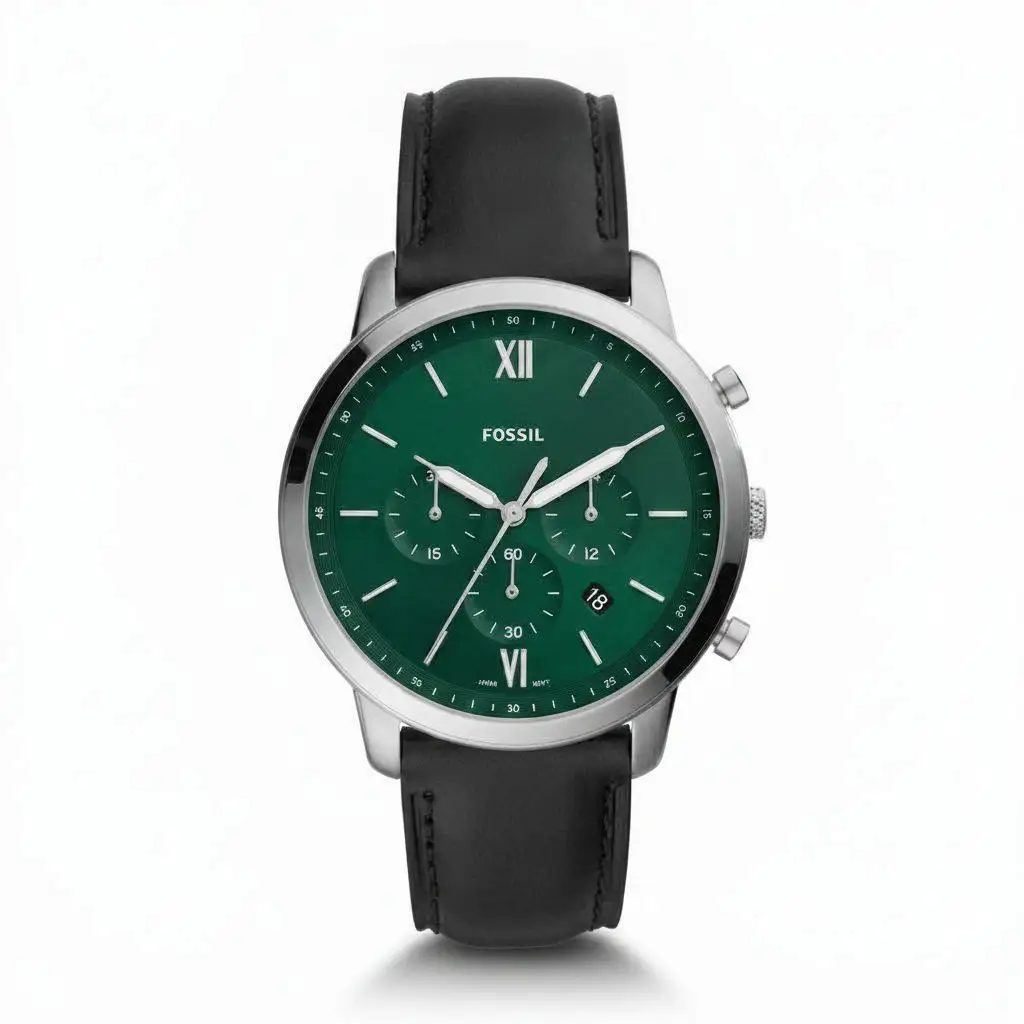
Pure white background. Product fills 85% of the frame. No props, no lifestyle, no people. This image has one job: prove that the product exists, show what it looks like, and make the shopper click into the listing.
This image drives click-through rate more than any other single factor. Listings with optimized main images see 40–60% CTR improvements without changing price, keywords, or reviews.
Image 02 (Alternate Angle): Different view of the same product. If your product is a water bottle, show it from the side, back, or top. This confirms the shape and reveals details the main angle misses.
Image 03 (Product in Use): How do people actually use this? A phone case on a phone. A blender with ingredients inside. A pillow on a bed. This image answers "Will this work for me?"
Image 04 (Feature or Detail): Macro or close-up of a key feature. The stitching on a backpack. The threads on a mechanical part. The material texture. This image builds confidence in quality.
Image 05 (Scale or Context): How big is this thing? A ruler. A hand holding it. An object next to it for reference. Buyers can't gauge size from a photo alone. This image removes ambiguity.
Image 06 (Lifestyle): Product in a real-world environment. Someone wearing the jacket. The plant in a living room corner. The gadget on a desk next to a laptop. This image answers "What will my life look like with this product?" and drives emotional engagement. Lifestyle images deliver 40% higher CTR than white-background shots and 2.3x better mobile performance.
Image 07 (Comparison, Benefit, or Infographic): Comparison chart. Before-and-after proof. Spec comparison against a competitor. Feature checklist. This image proves value and answers "Why this product and not the other one?"
Seven images isn't overkill. Seven images is minimum.
Listings with 7+ images convert at nearly double the rate of 1–2 image listings. This isn't a suggestion. This is how Amazon shoppers buy.
Upload one image and get studio-quality product photos, on-model shots, and ad creatives — no camera, no studio, no wait.
Try Seenable AI freeNo credit card required · 130 free credits included
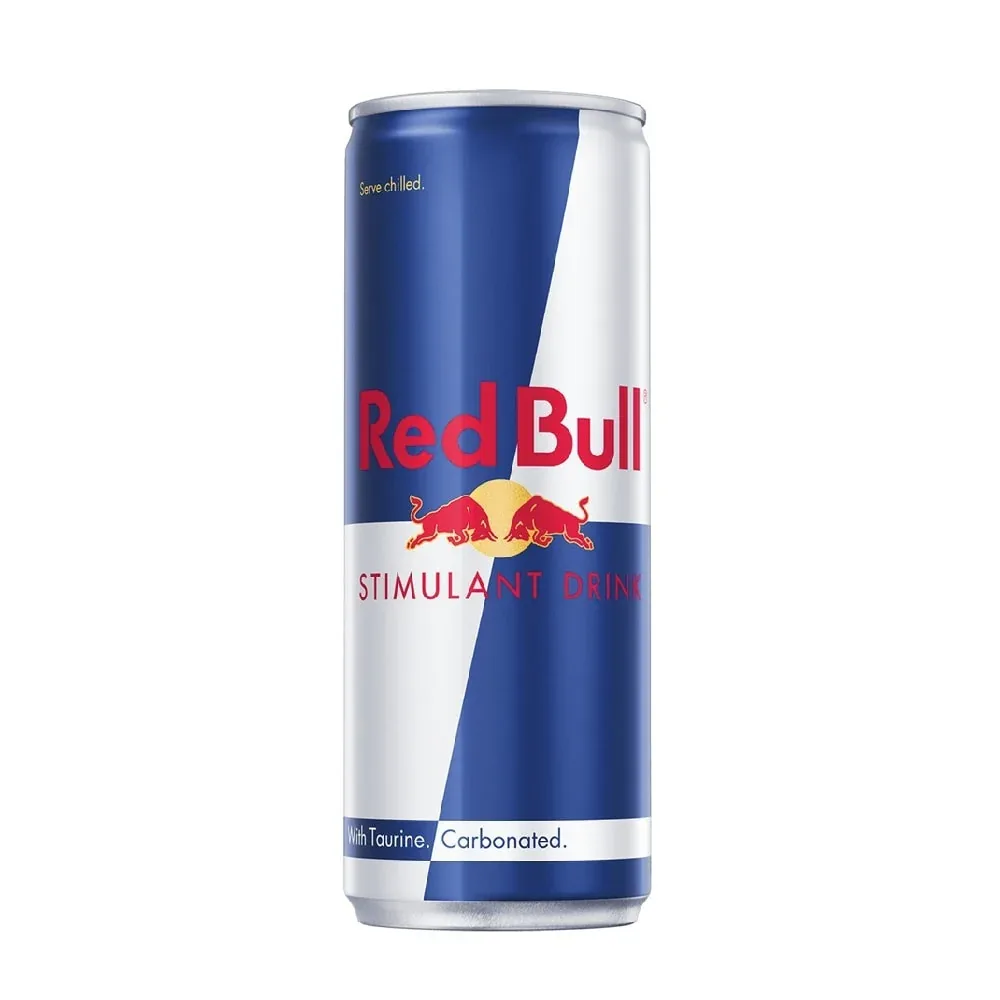 Before
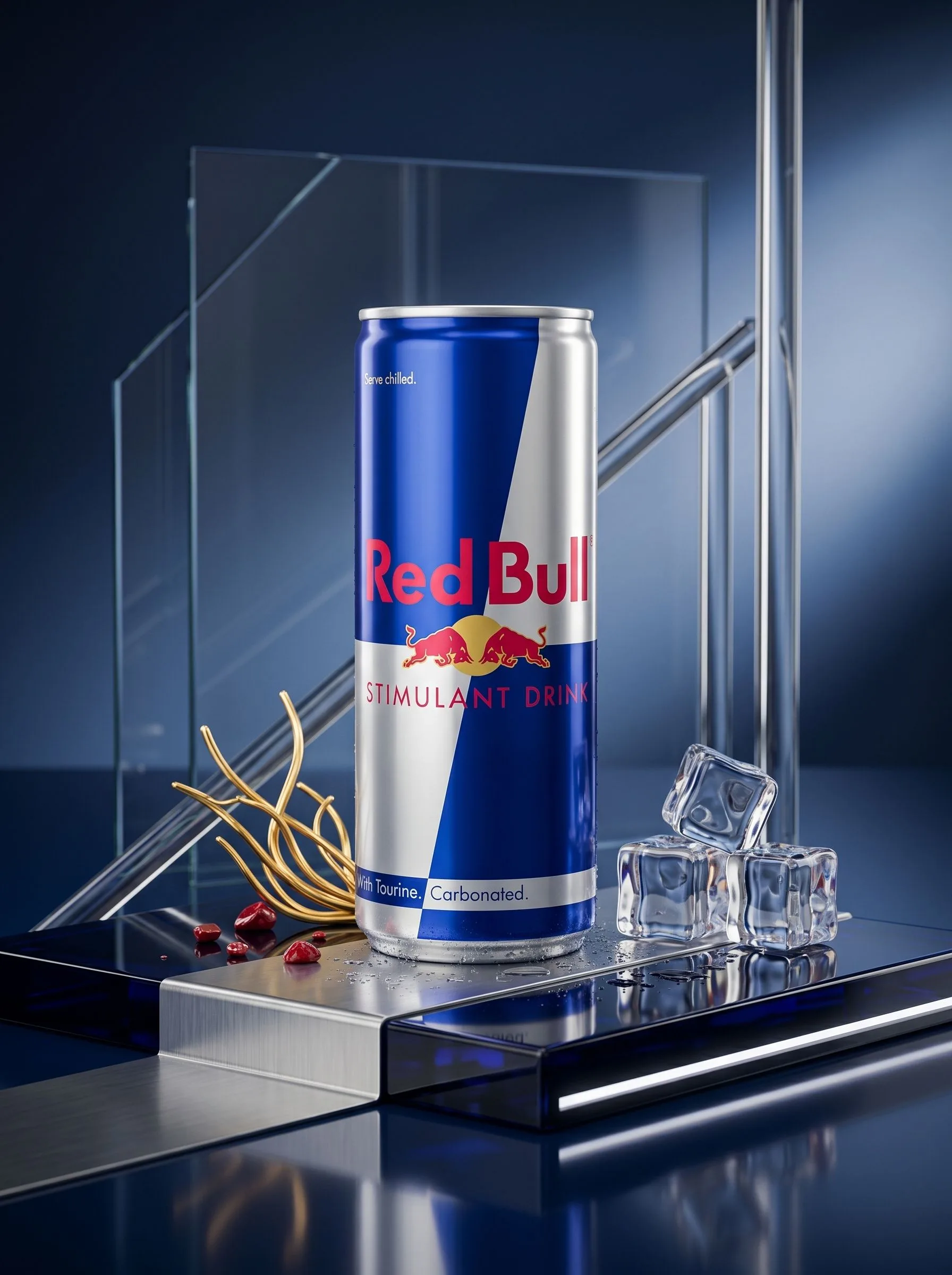 After
After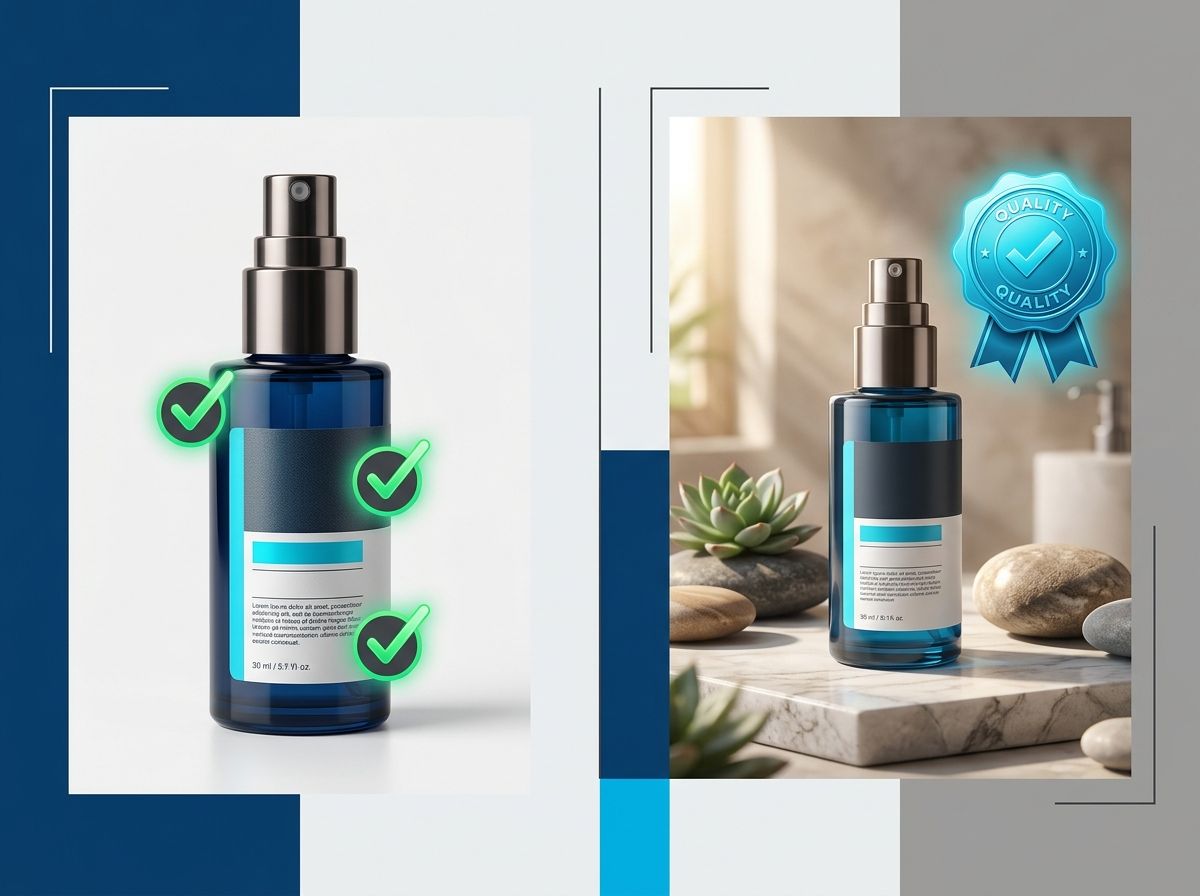
Here's the tension: AI can generate images at scale and speed that traditional photography can't match. But AI can also hallucinate product details that don't exist on your actual product—the wrong color, the wrong label, the wrong dimensions.
The solution isn't to choose between real photos and AI photos. It's to use AI to extend real product photography, not replace it.
Image 02 (Alternate Angle): If your source photo is a real product, AI can generate a different angle of the same product—front-left, back-right, top-down. These variations must be verified against the physical product, but the workflow is fast and reliable.
Image 03 (Product in Use): AI excels here. Generate your product being held, worn, or used in context. The product itself is based on real input; the hands and environment are AI-generated. This combines fidelity (real product) with speed (AI context).
Image 06 (Lifestyle): Same as above. Real product placed into an AI-generated environment. Sellers implementing lifestyle images see 15–35% conversion improvements, with some categories reaching 60%.
Image 07 (Infographic or Comparison): AI can generate spec charts, comparison layouts, benefit diagrams. These are text-and-design heavy; no product accuracy risk.
Image 01 (Main): This is where most sellers go wrong. The main image is too important to skip the verification step. Color, texture, labels, and scale must be checked against the physical product. Don't compare AI image to AI image. Compare it to the real thing.
Image 04 (Detail or Feature): Close-ups are accuracy-critical. If you're showing stitching, texture, or fine detail, the AI must match the real product exactly. Verify carefully.
Image 05 (Scale): If you're showing a hand next to your product, the proportions must be correct. A hand that's too large or too small relative to the product will raise buyer suspicion and increase returns.
The winners aren't choosing between real photos and AI photos. They're combining them: real product photos (verified for accuracy) as the hero layer, AI-generated lifestyle and context as the supporting layer.
AI should expand the presentation of your product, not invent the product.
This is the fidelity-first framework. Lock the product. Vary the context. Verify the output.
You have one real product photo. From that single image, here's what you build:
Source Photo (Real Product) ↓ Main Image (White background, 85% fill, 2,000+ pixels) ↓ Alternate Angles (Front, back, side—verified against source) ↓ Detail Close-Up (Key feature, macro shot—verified against source) ↓ Product in Use (Hands, context, environment—real product layer verified) ↓ Scale Reference (Hand, ruler, object—proportions verified) ↓ Lifestyle Scene (Environment context, emotional engagement) ↓ Infographic or Comparison (Spec chart, benefit proof, comparison) ↓ Amazon-Ready Listing (7+ compliant images, verified, optimized for mobile)
This entire sequence can be built in 5–10 minutes using batch generation tools. Traditional photoshoots take 3–7 days and cost $200–500 per SKU. This workflow eliminates the bottleneck entirely.
The core tools in this workflow: Catalog Set (batch generation of complete image sets), Product Shoot (main + alternate angles), Product Scenes (lifestyle context), Background Remover (white-background generation), and Image Upscaler (zoom functionality).
Upload one image and get studio-quality product photos, on-model shots, and ad creatives — no camera, no studio, no wait.
Try Seenable AI freeNo credit card required · 130 free credits included
 Before
 After
AfterThis is a 2026 compliance issue that most sellers are unaware of, and violations carry real penalties.
Since July 2026, Amazon requires sellers to disclose any photorealistic AI-generated person in a product image using XMP metadata. This applies to all product images, A+ Content, and lifestyle photography worldwide.
The metadata field: contains-synthetic-performer
What requires tagging:
What does NOT require tagging:
The penalty structure:
Metadata must be embedded before upload and should survive export to Amazon, Shopify, and TikTok. The risk: if your AI image generation tool doesn't export XMP fields correctly, the metadata is stripped during upload, and Amazon has no record of the disclosure. Verify that your tool preserves metadata through the entire workflow.
Run this checklist before uploading any image to Amazon.
Product Accuracy (compare to physical product, not to AI images):
Amazon Compliance:
Conversion Readiness:
The product (not the background) should occupy approximately 85% of the total image area. You can measure this by placing a bounding box around the product and comparing it to the full frame. If the product takes up roughly 85%, it's compliant. Amazon's automated system rejects images where the product is undersized (too much white space) or oversized (edges cropped). Use a grid overlay tool or ask your image editor to verify the ratio before upload.
AI-generated images are permitted on Amazon as long as they comply with technical specs (white background, 85% fill, correct dimensions, etc.) and accurately represent your product. The key is verification: AI can generate alternate angles, lifestyle scenes, and infographics, but color, texture, labels, and scale must be checked against your physical product to avoid returns and compliance violations. Main images especially should be generated with careful accuracy checks.
Aim for 7+ images: (1) Main product on white background, (2) Alternate angle, (3) Product in use, (4) Feature or detail close-up, (5) Scale or context with reference object, (6) Lifestyle scene, (7) Comparison or infographic. Listings with 7+ images convert at nearly double the rate of 1–2 image listings. Each image answers a specific buyer question in sequence.
Yes. If your image contains a photorealistic AI-generated person, you must tag it with XMP metadata (contains-synthetic-performer) before upload. Failure to disclose incurs a $1,000 penalty for the first violation and $5,000 for subsequent violations under New York's synthetic performer law. Real people edited with AI tools do not require tagging.
Start with one real product photo as your source of truth. Use batch generation tools to create a compliant main image, alternate angles, detail shots, lifestyle scenes, and infographics from that single input. Verify each generated image against the physical product for color, texture, and scale accuracy. Then export all variations ready for upload to Amazon.
Product-only images (Images 01–05) focus purely on the product and answer questions like "What is it?" and "How does it work?" Lifestyle images (Image 06) show the product in a real-world environment and answer "What will my life look like with this?" Product-only images should appear first in the gallery (they drive CTR and conversion confidence). Lifestyle images should follow to build emotional engagement and reduce return risk.
Your Amazon listing shouldn't need a new photoshoot every time you add a SKU.
Start with one product photo. Build the complete 7-image visual system with Seenable. Generate compliant main images, multiple angles, detail shots, lifestyle scenes, and infographics—all verified against your physical product for accuracy, all ready for upload to Amazon in minutes instead of days.
Try Seenable free—no credit card required.
Start building complete Amazon listings with one product photo. Try Seenable free—no credit card required.
Try Seenable AI free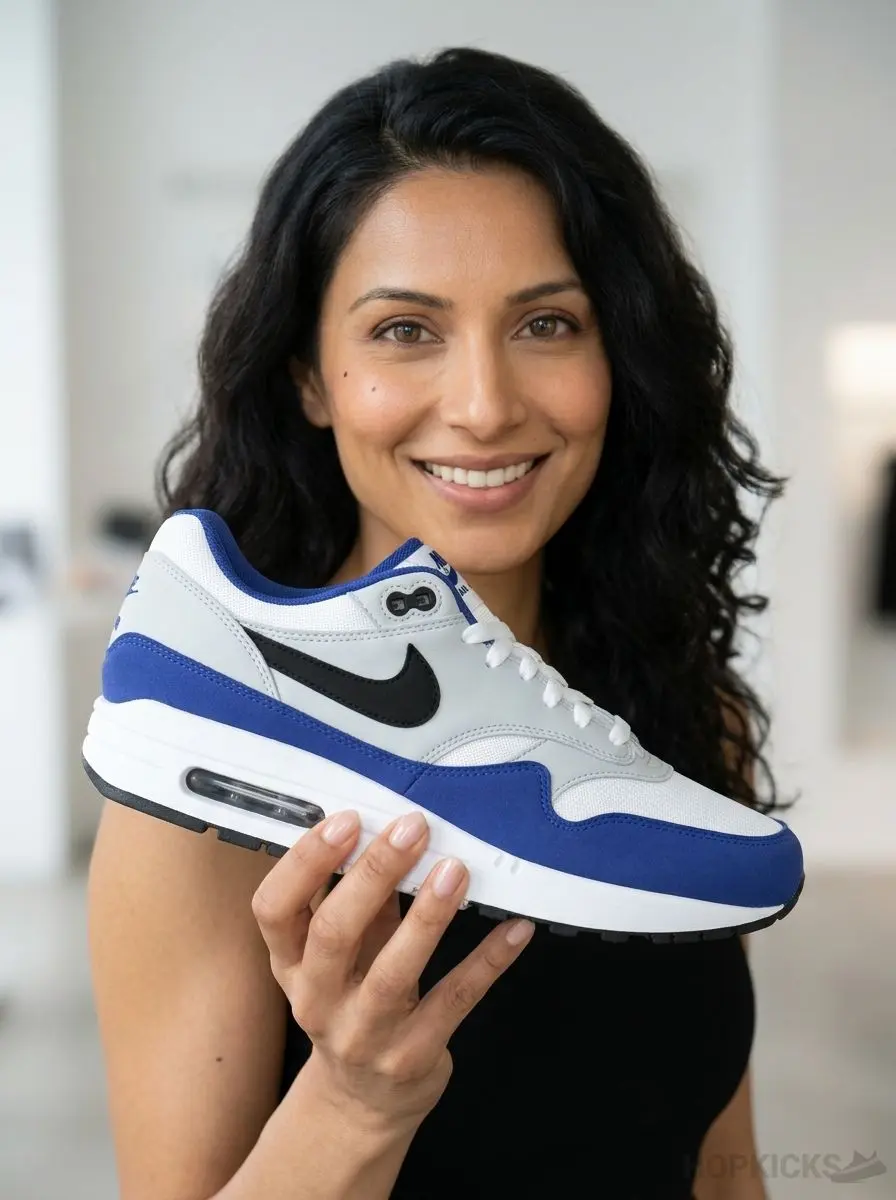 After
After
 After
After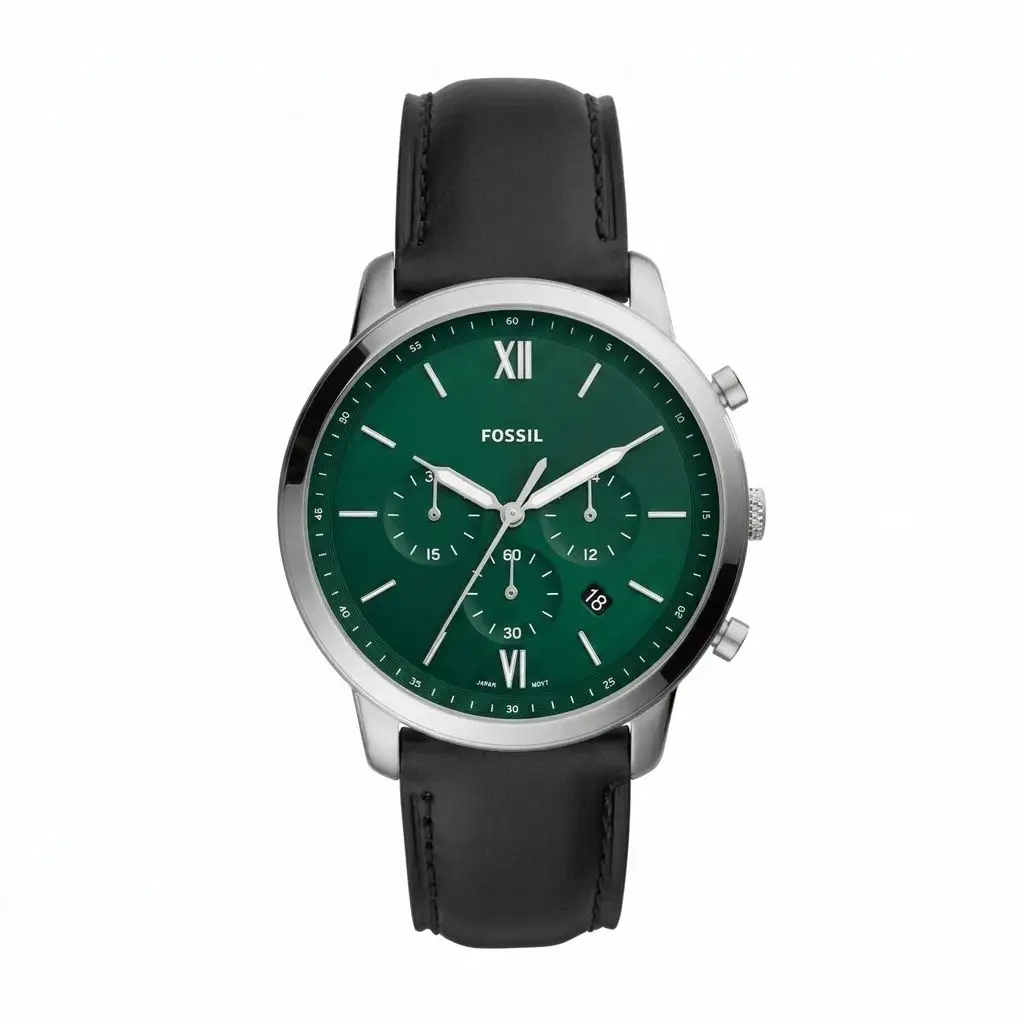
 After
After