
Crop Image
Crop any photo to the exact size you need, free, right in your browser, with no upload.
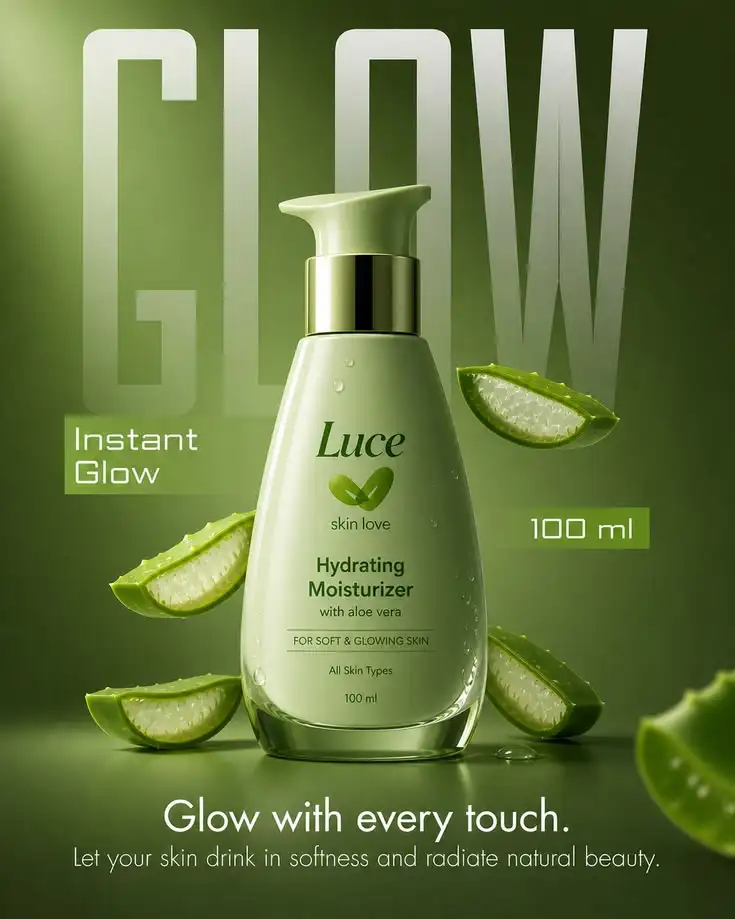
Upload an image, drag the crop box over the part you want, and download. Your image never leaves your device.
How It Works
Upload your image
Drop in any JPG, PNG, WebP, or HEIC photo. Phone shots and product photos both work.
Drag the crop box
Drag the box over the part you want to keep, resize it, or pick a preset ratio like 1:1, 4:3, or 16:9.
Download the crop
Your image is cropped instantly in your browser and downloads at full resolution — nothing is uploaded.
Who Is This For
Sellers cropping product photos to square for Amazon
Stores prepping a hero image to an exact aspect ratio
Founders trimming a wide shot down to a clean focal point
Marketers cropping creatives for Instagram, Facebook, and paid ads
Anyone removing an unwanted edge from a product photo
Developers standardizing catalog images to one aspect ratio
Why Crop Your Product Photos Before You List Them
Marketplaces reward a clean, consistent frame. A square main image fills the thumbnail, a 4:3 ratio fits most standard product views, and a 16:9 crop matches a hero banner or a social post. Cropping to the exact ratio your platform expects means your product is shown at full size instead of being auto-cropped with the edges cut off.
Beyond fit, cropping removes the distractions: an arm holding the product, an uneven table edge, or too much empty space around a small item. A tight, centered crop pulls the eye straight to what you are selling, which is the first thing a listing image has to do.
Exact Aspect Ratios for Amazon, Instagram, and Shopify
Amazon main images render square, so a 1:1 crop is the safe default for the primary listing photo. Instagram posts favor square or 4:5, while stories and reels run 9:16. Shopify product images are flexible but look best at a consistent 1:1 or 4:3 across a catalog. Pick the preset for the platform and the crop stays locked to the right ratio while you drag it.
Because the cropper keeps the original image format and resolution, and re-encodes lossy formats at maximum quality, your crop stays as sharp as the source. That means you can crop a single high-resolution photo into several platform-specific sizes with no visible drop in quality.
Frequently Asked Questions
Is the image cropper free to use?
Yes. Cropping is free with no credits and no credit card required. It runs entirely in your browser.
Does cropping reduce my image quality?
No visible loss. The cropper keeps your original image format and resolution, and re-encodes at maximum quality, so the only thing removed is the area outside the crop box.
Is my image uploaded to a server?
No. Cropping runs locally in your browser, so your image never leaves your device.
Can I crop to an exact aspect ratio?
Yes. Pick a preset like 1:1, 4:3, or 16:9 and the crop box stays locked to that ratio while you drag and resize it. Freeform cropping is available too.
What file formats are supported?
JPG, PNG, WebP, and HEIC. The result keeps the same format as your source, and HEIC photos are converted to PNG.